Protected video lessons
Teacher videos with a watermark in the student’s name, on at most two devices.
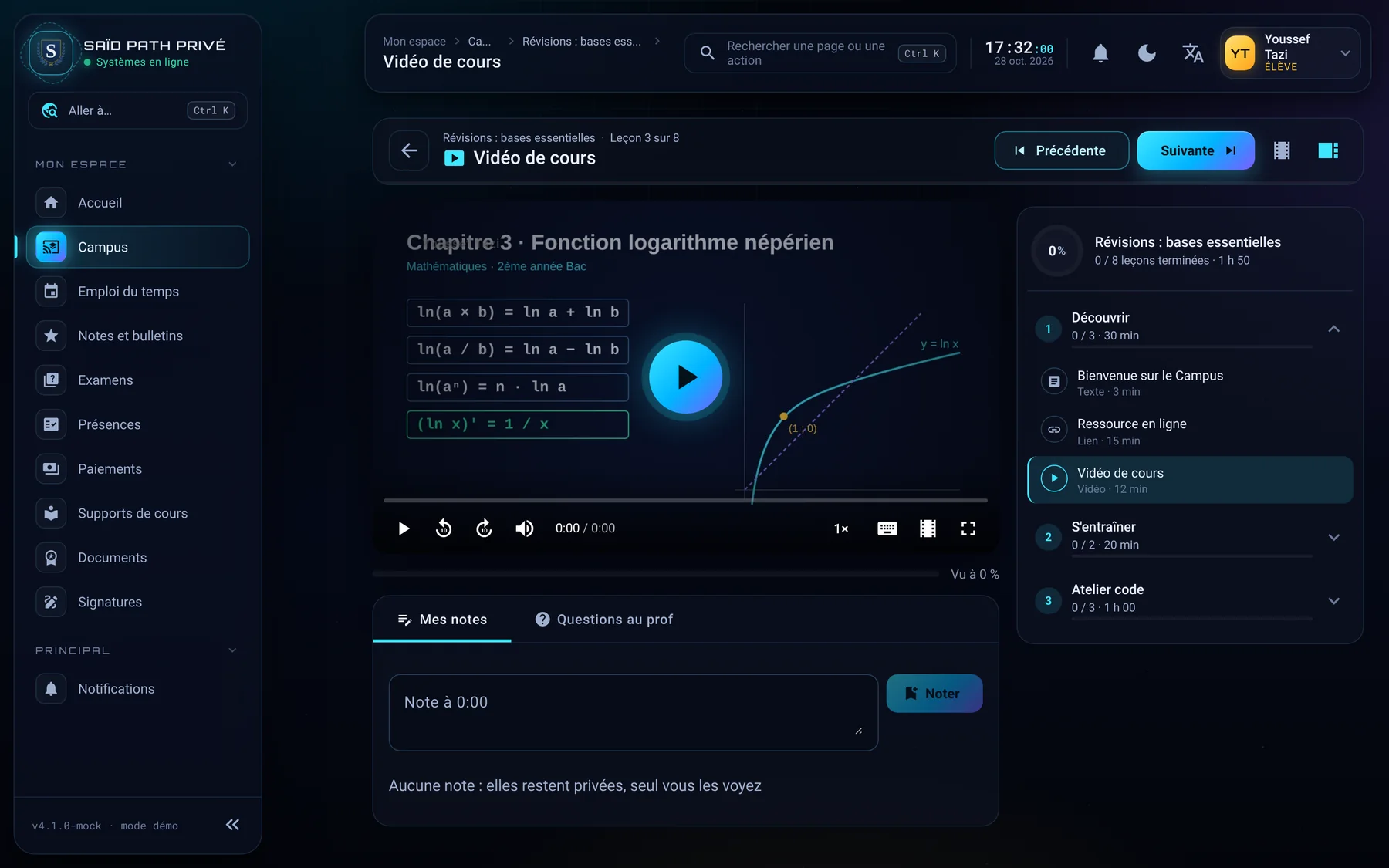
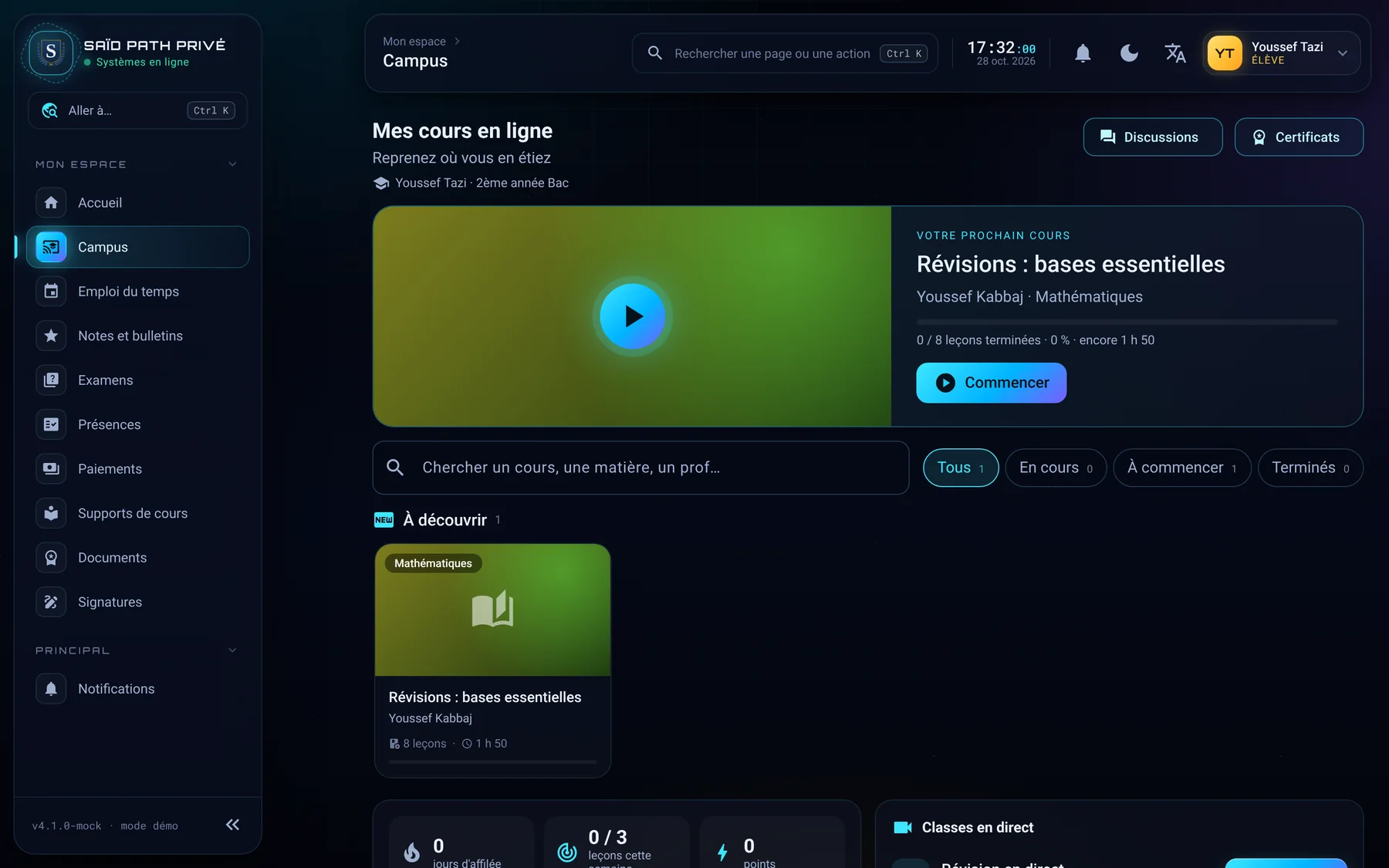
Rewatch a lesson, practise before a test, catch up after an absence or ask the teacher a question: Campus extends the session at home, on computer or phone.
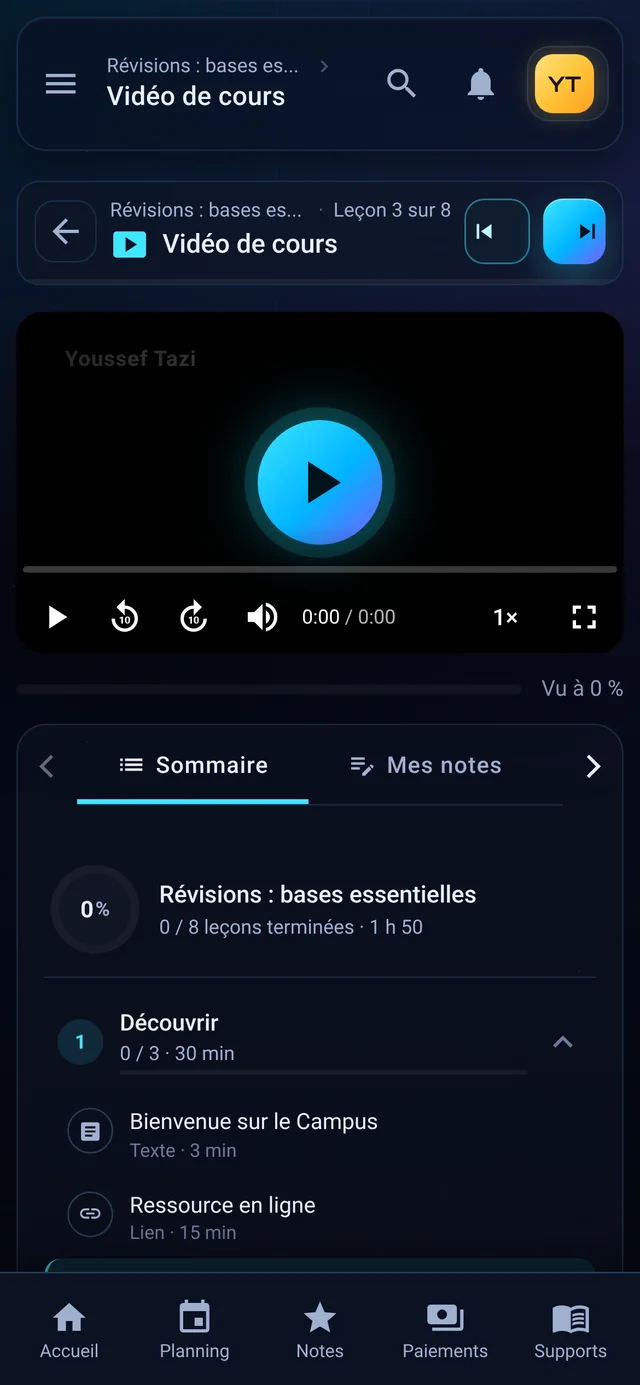
Teacher videos with a watermark in the student’s name, on at most two devices.
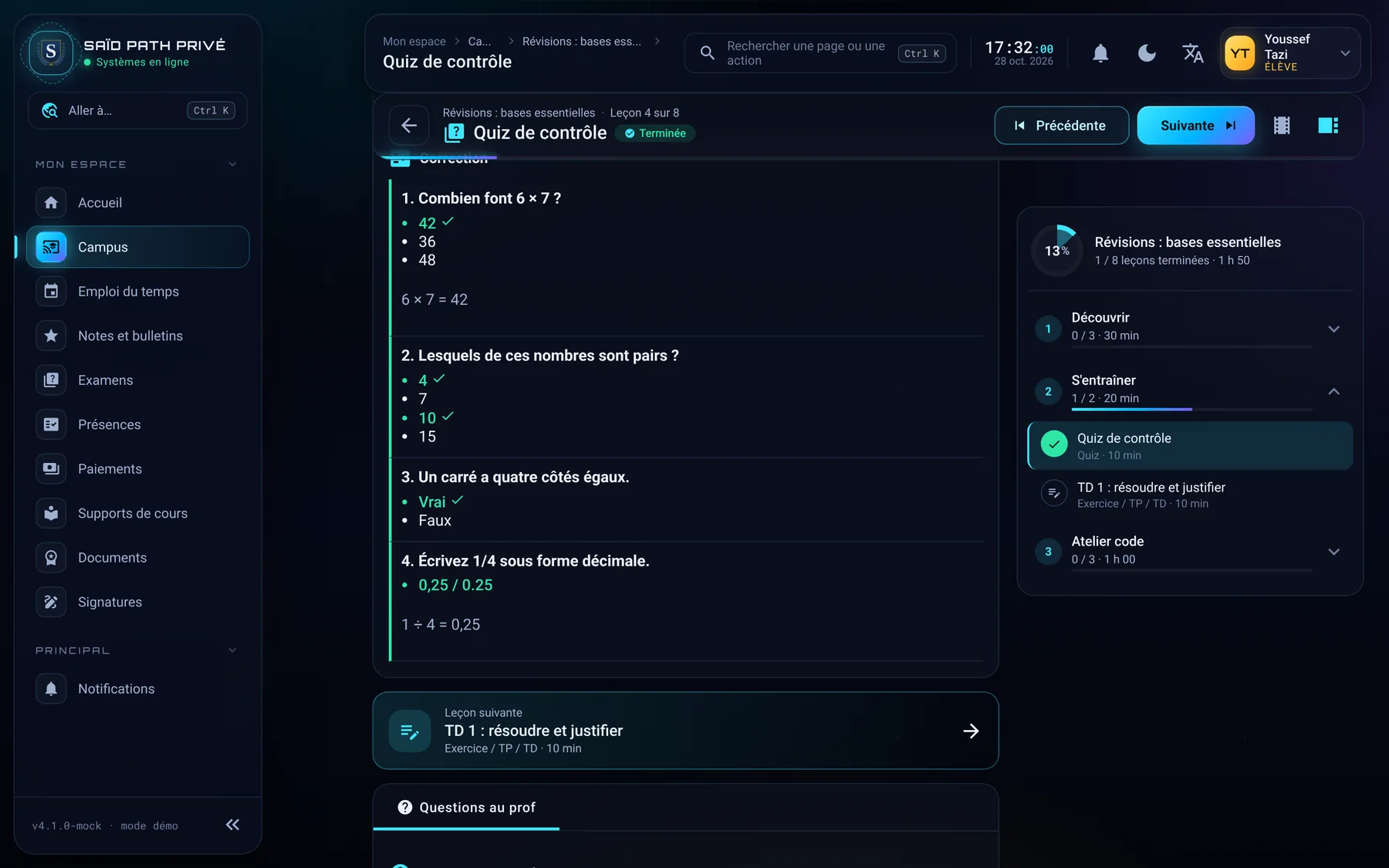
Instant result and explained answers.
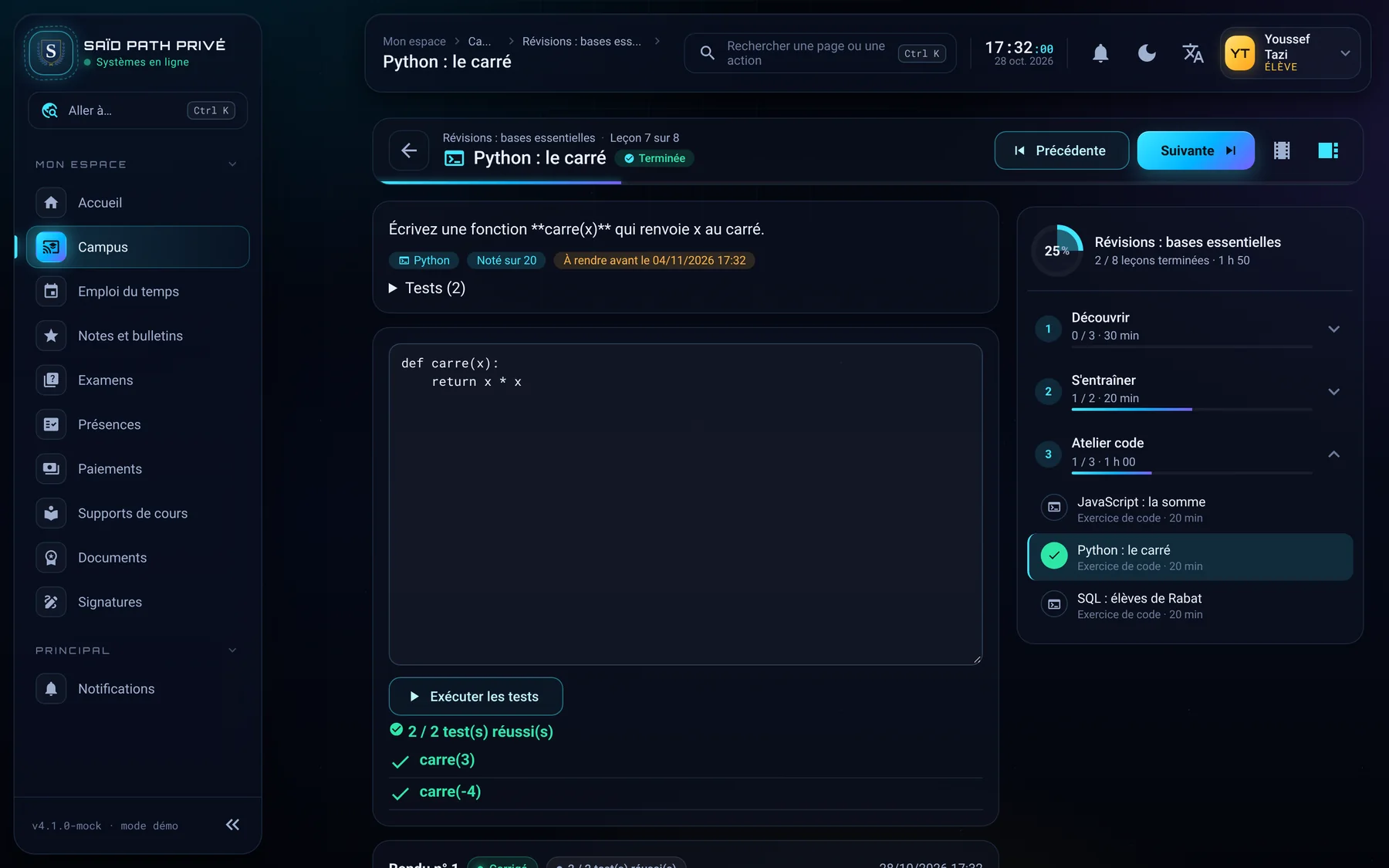
Python, JavaScript and SQL, tested in the browser.
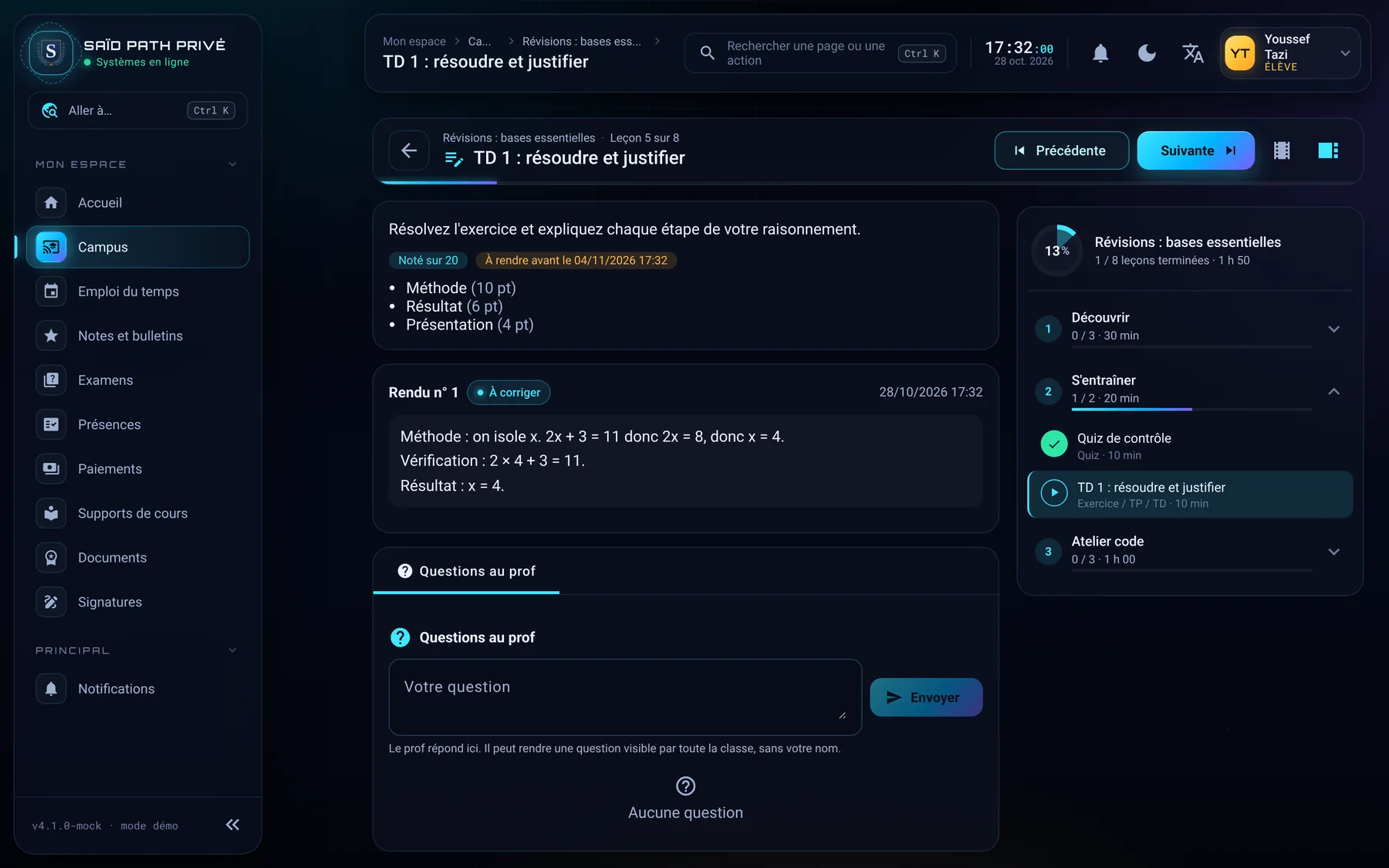
Handed in online, marked with a rubric.
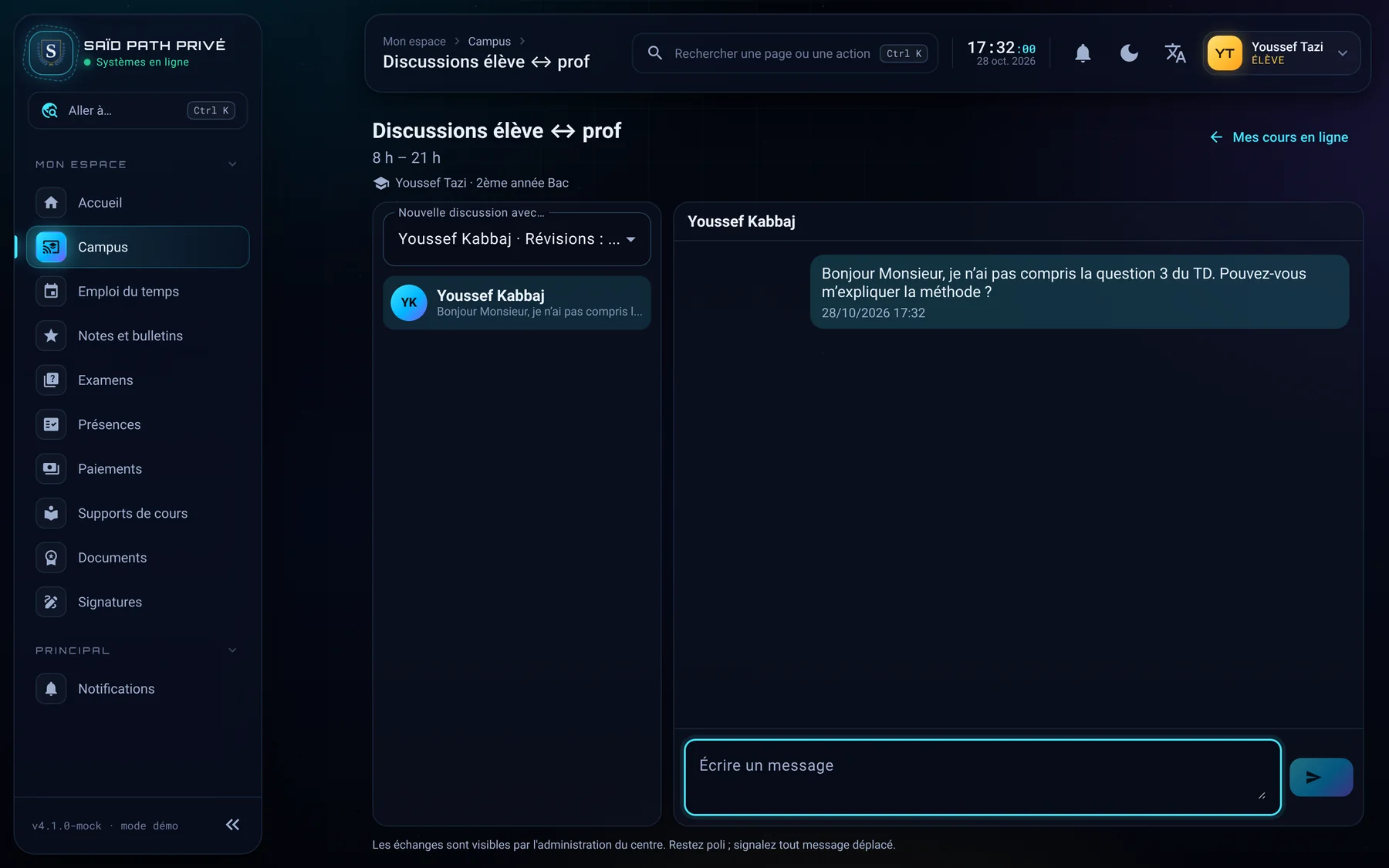
One discussion per course, written answers.
Students see where they are and what is left to do.
The teacher’s lessons, sheets and resources, organised by chapter.
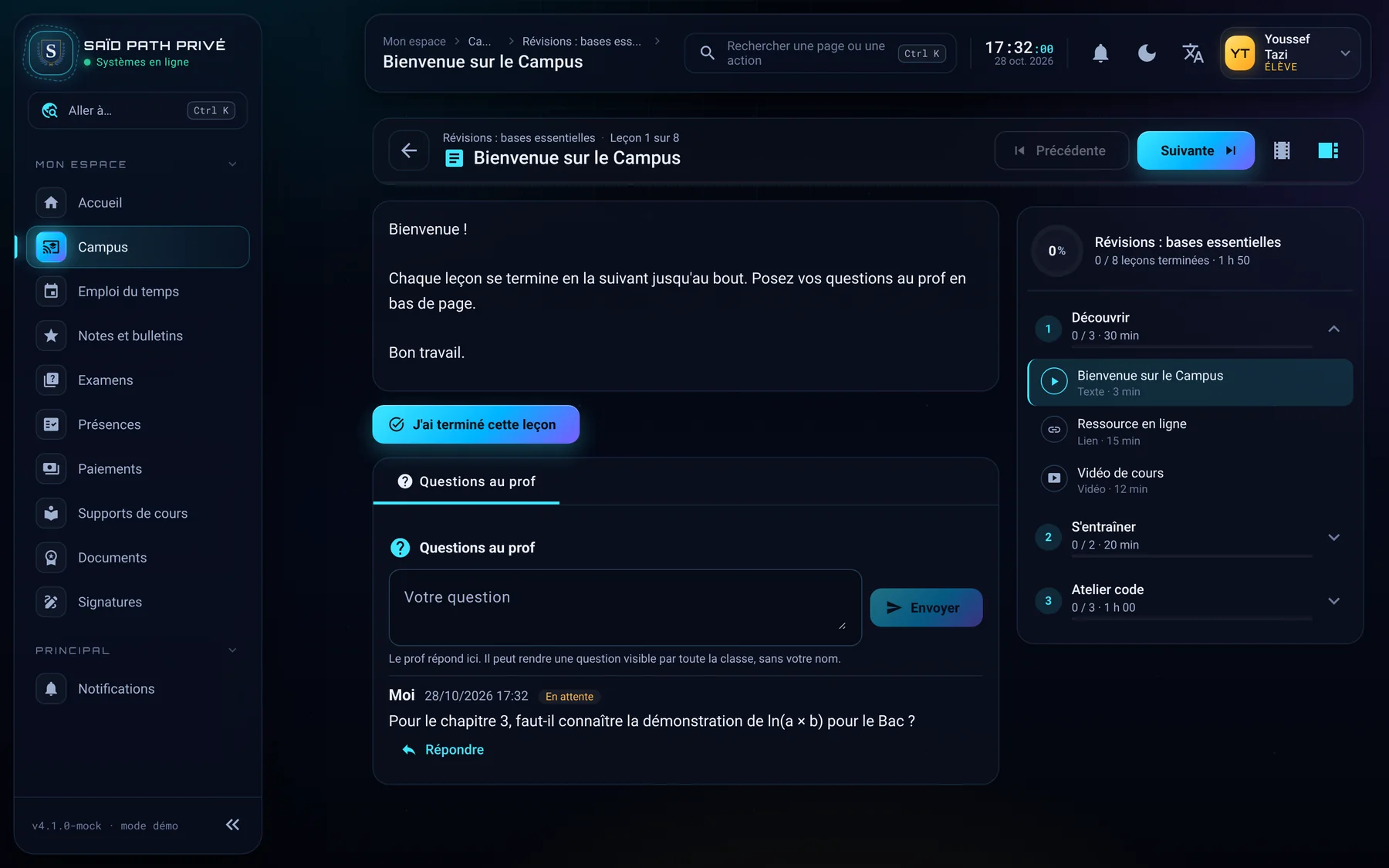
Real screenshots of the app, with demo data.
The student gets access together with the student portal.
The courses planned for their group and level are in their space.
The teacher sees progress, marks work and answers questions.
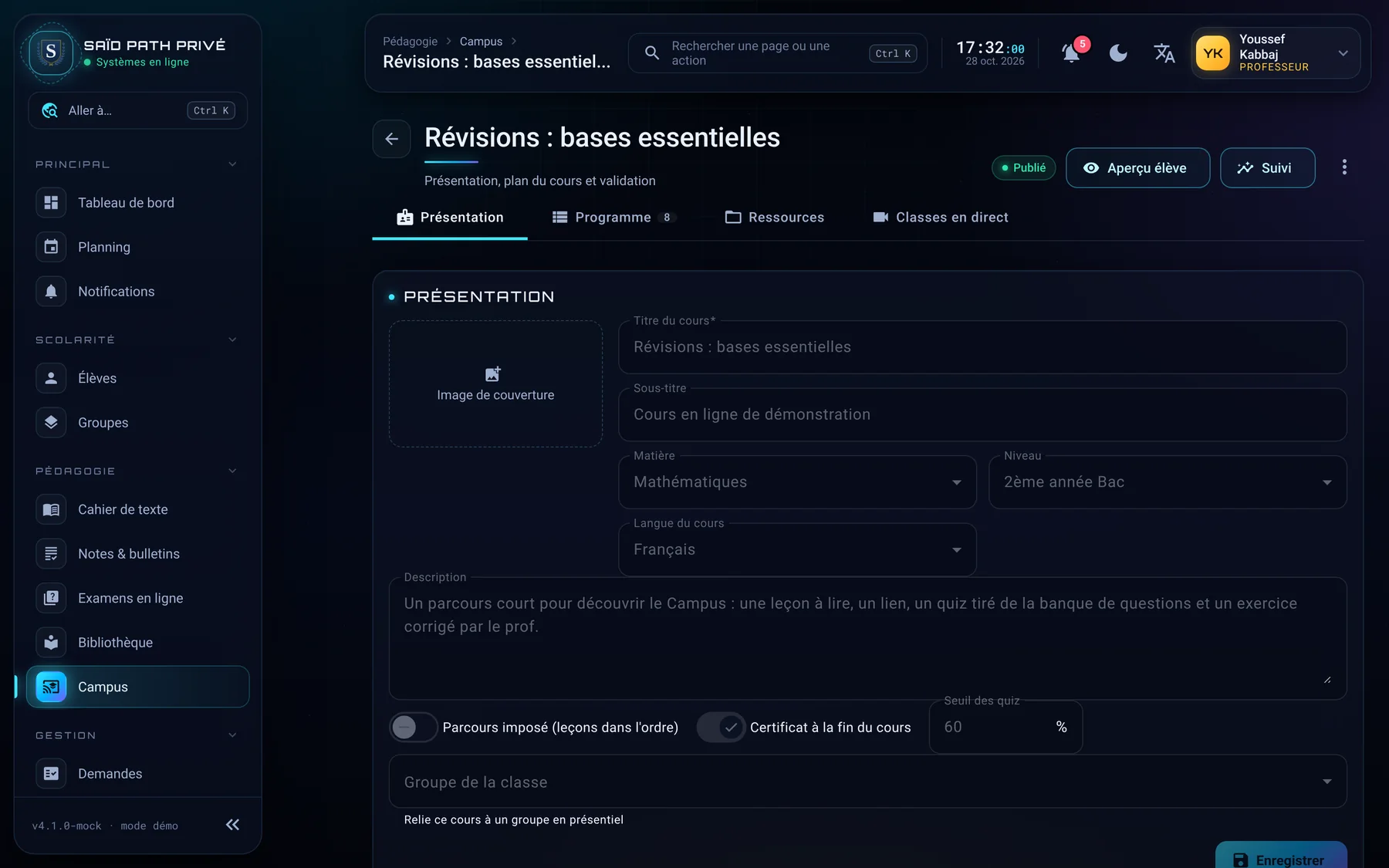
Videos, PDFs, lessons, quizzes and assignments, chapter by chapter. A “Ready to publish?” check before going live.
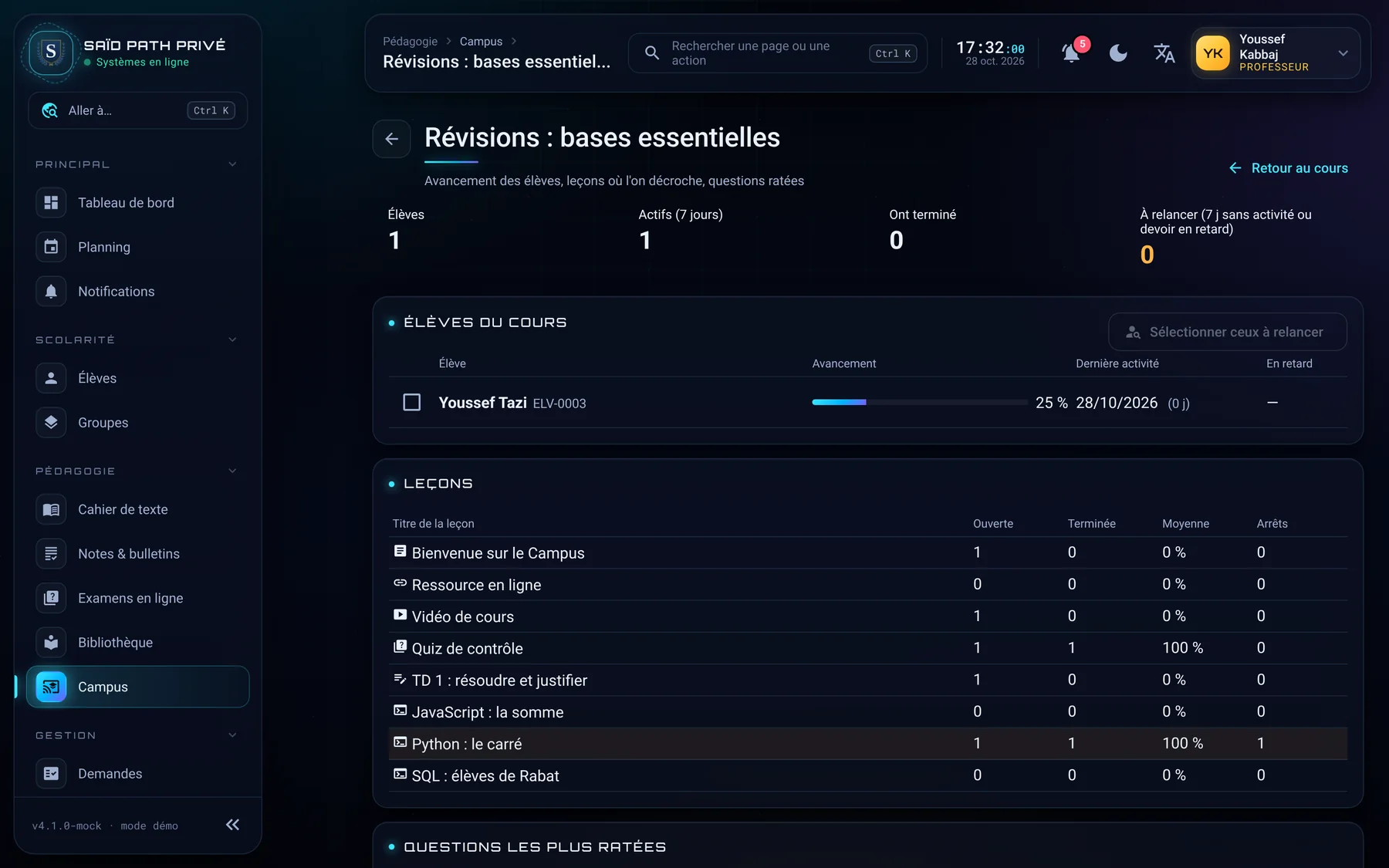
Who watched what, who is stuck, who handed in: the teacher acts at the right time.
A personal watermark on videos and viewing links that expire.
In the browser, or installed on Windows, Android and iPhone.
French, Arabic and English, as the student prefers.
No, it extends them: rewatch, practise, catch up. The core remains the small-group session with the teacher.
Computer, tablet and phone, in the browser or as an app. Videos are limited to two devices per student.
Access is given by the centre. Enrolled students find the courses planned for their group. Ask at the desk about online-only courses.
Leave your details: we will call you back to set up the meeting and the entry test.