
Students, groups and records
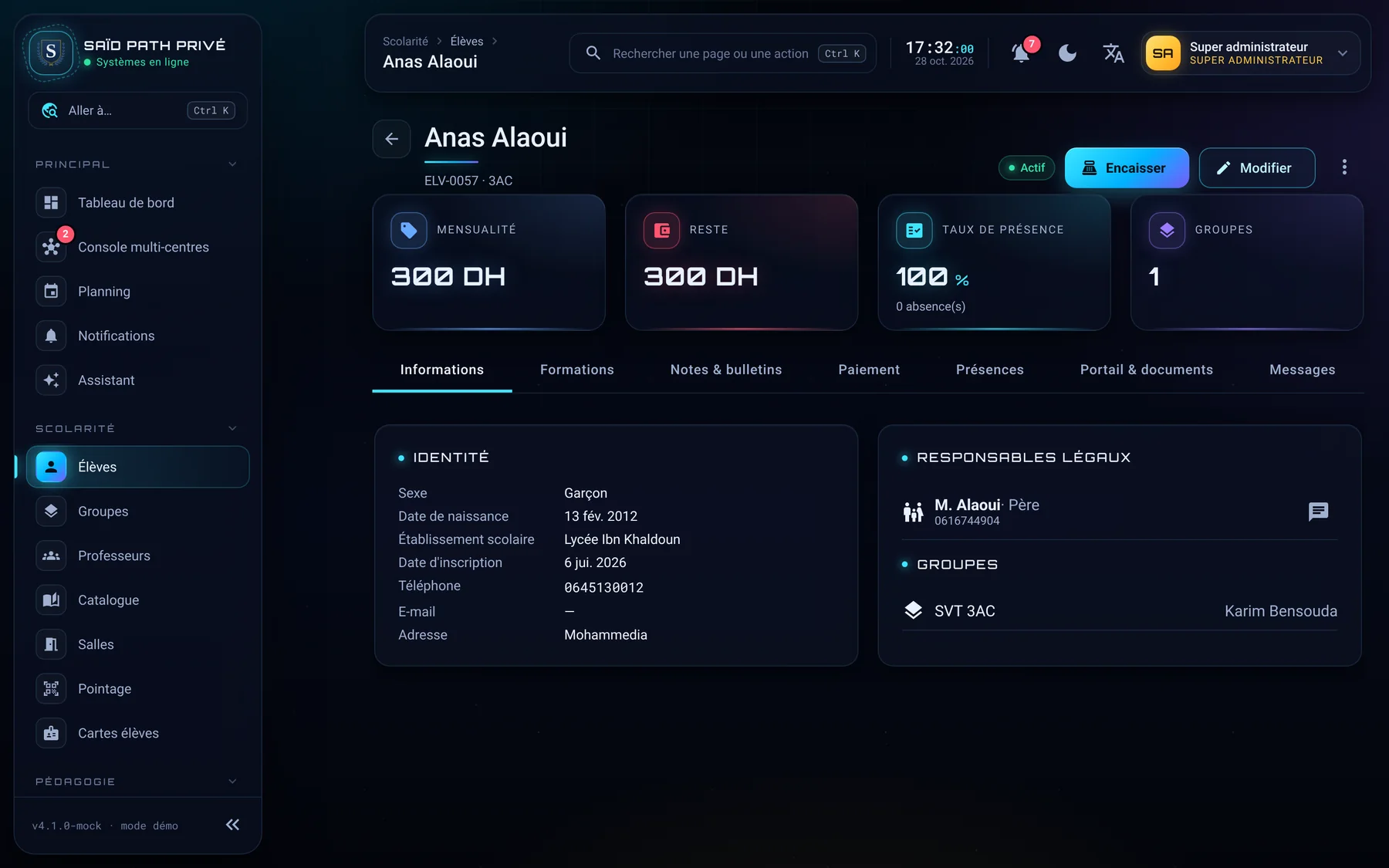
A student’s whole record on one page: groups, grades, attendance, payments, documents.
We built our own software for a centre like ours. Students, schedule, cash desk, grades, reminders and the parent portal: everything is in one place, in French, Arabic and English.
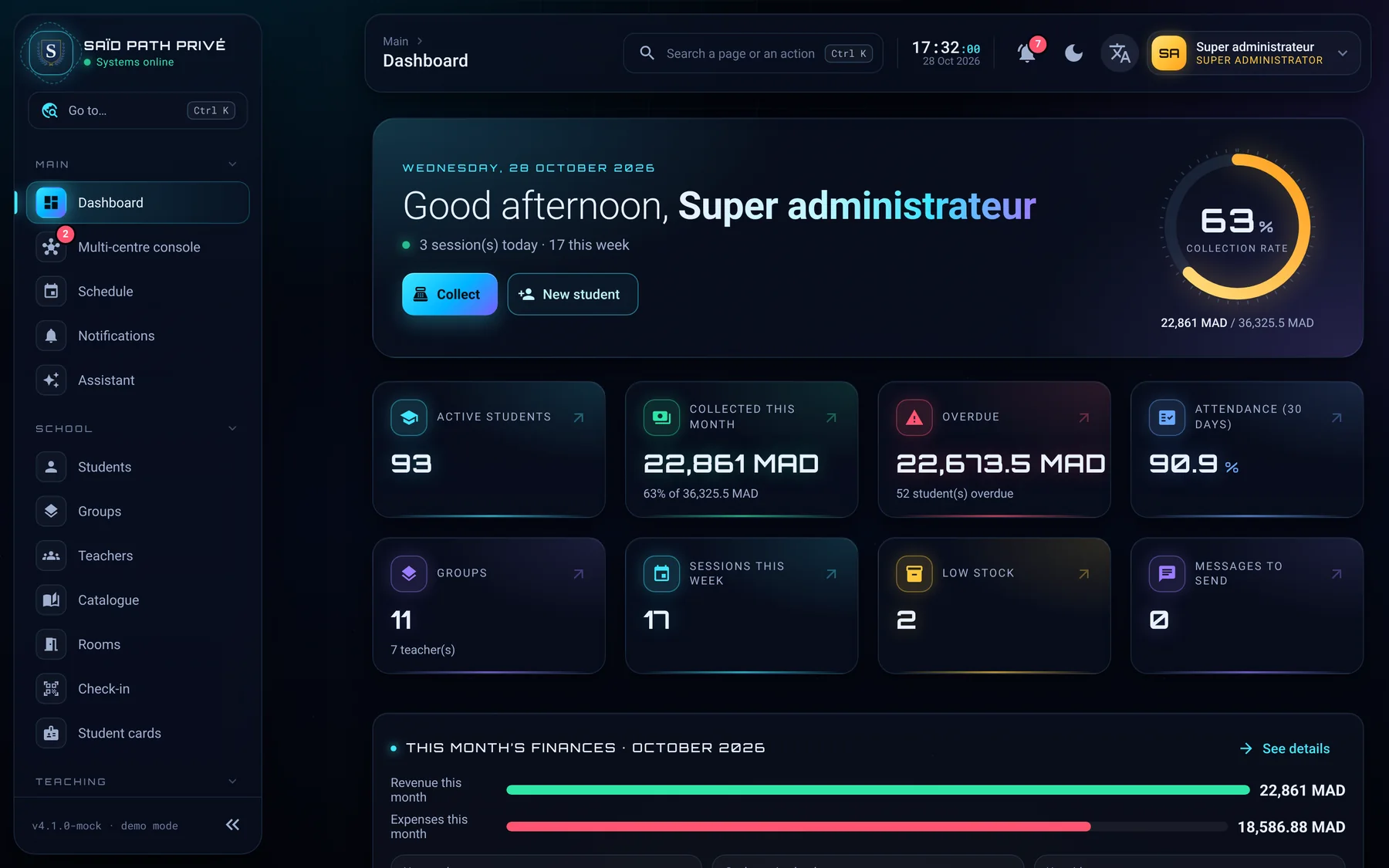
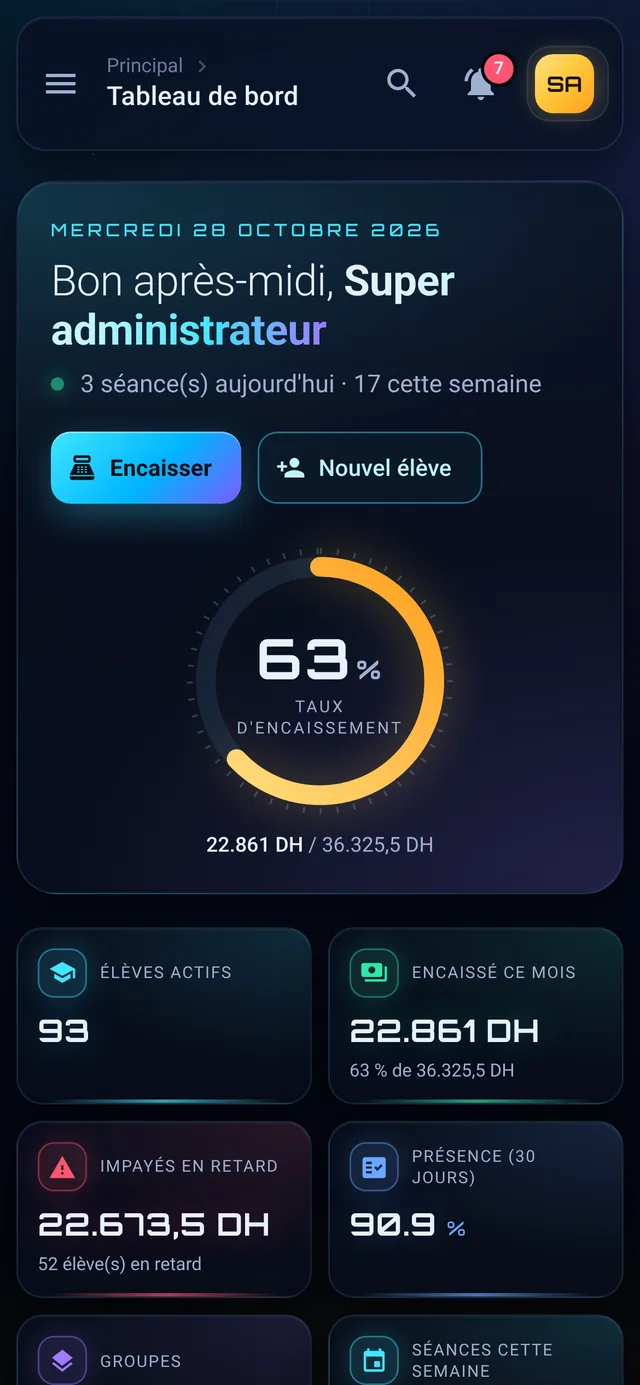
Click a step to see the matching screen.
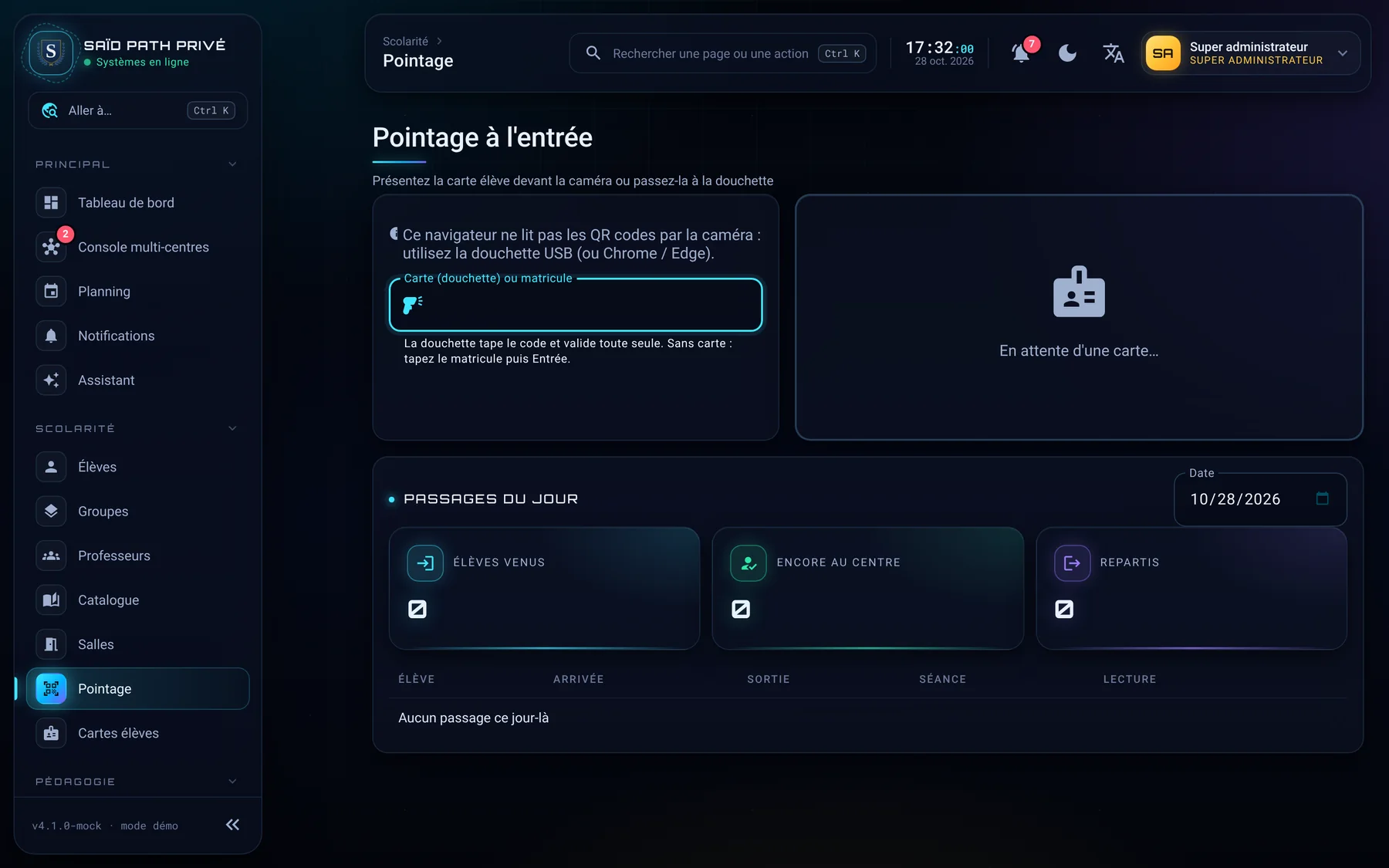
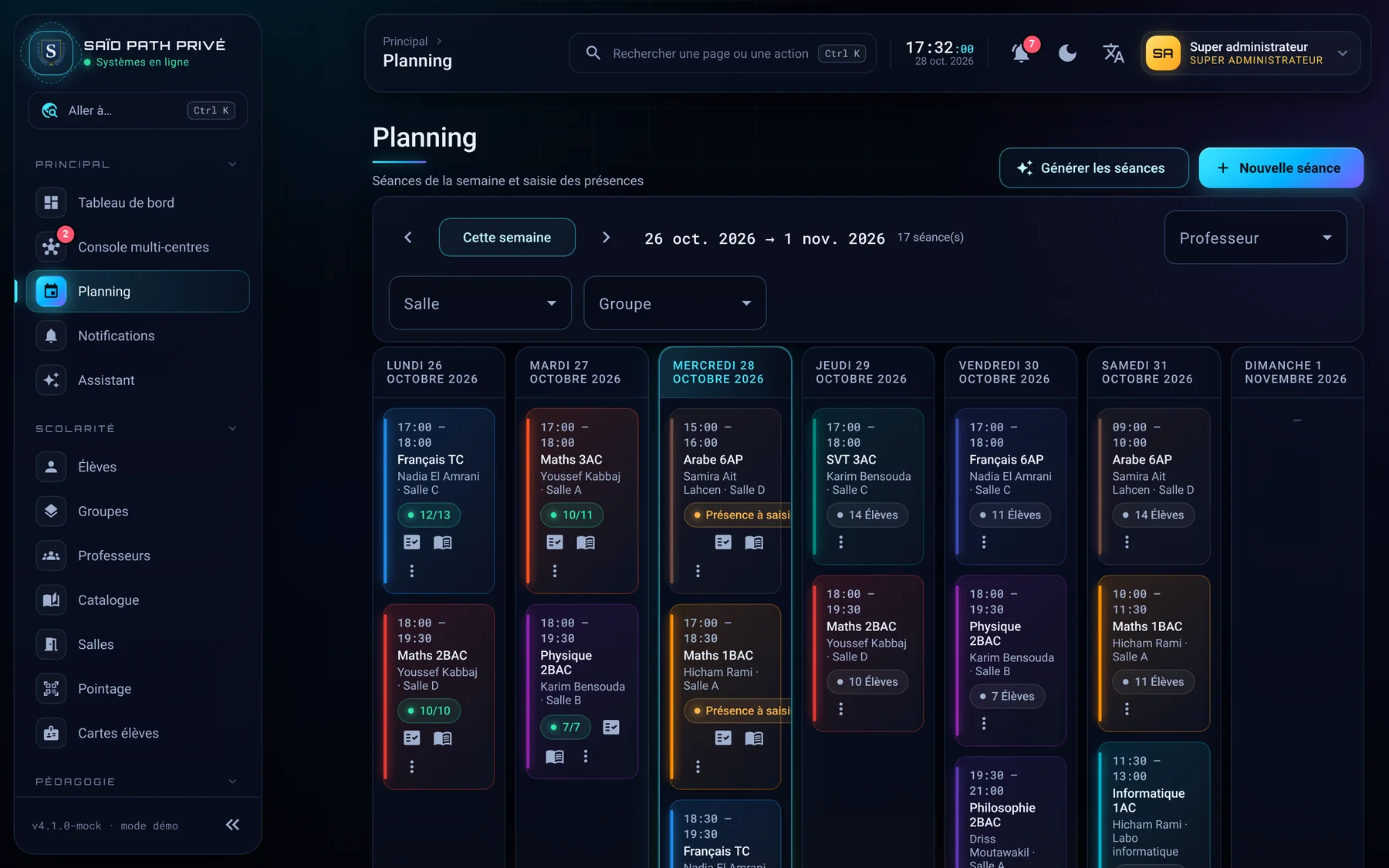
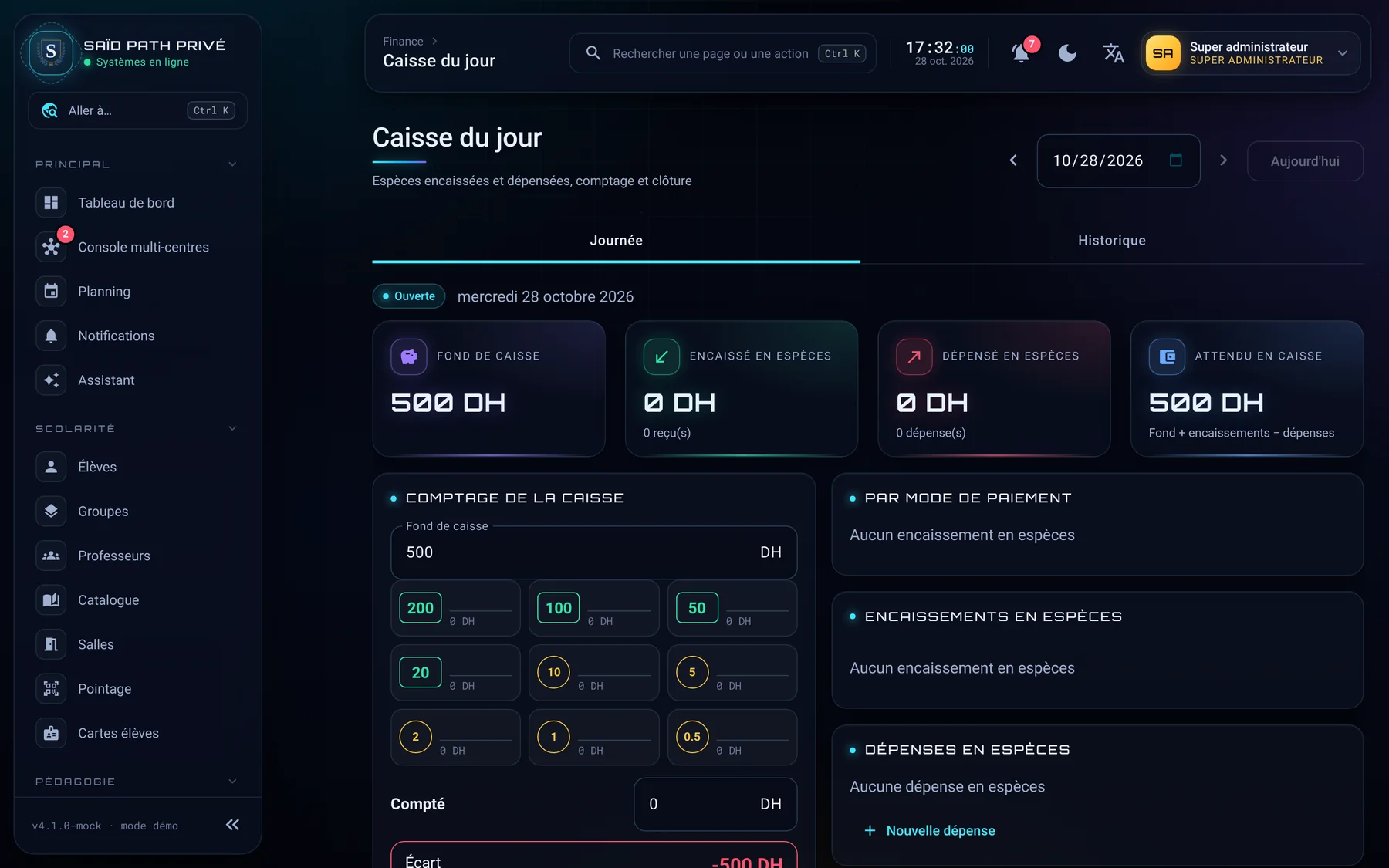
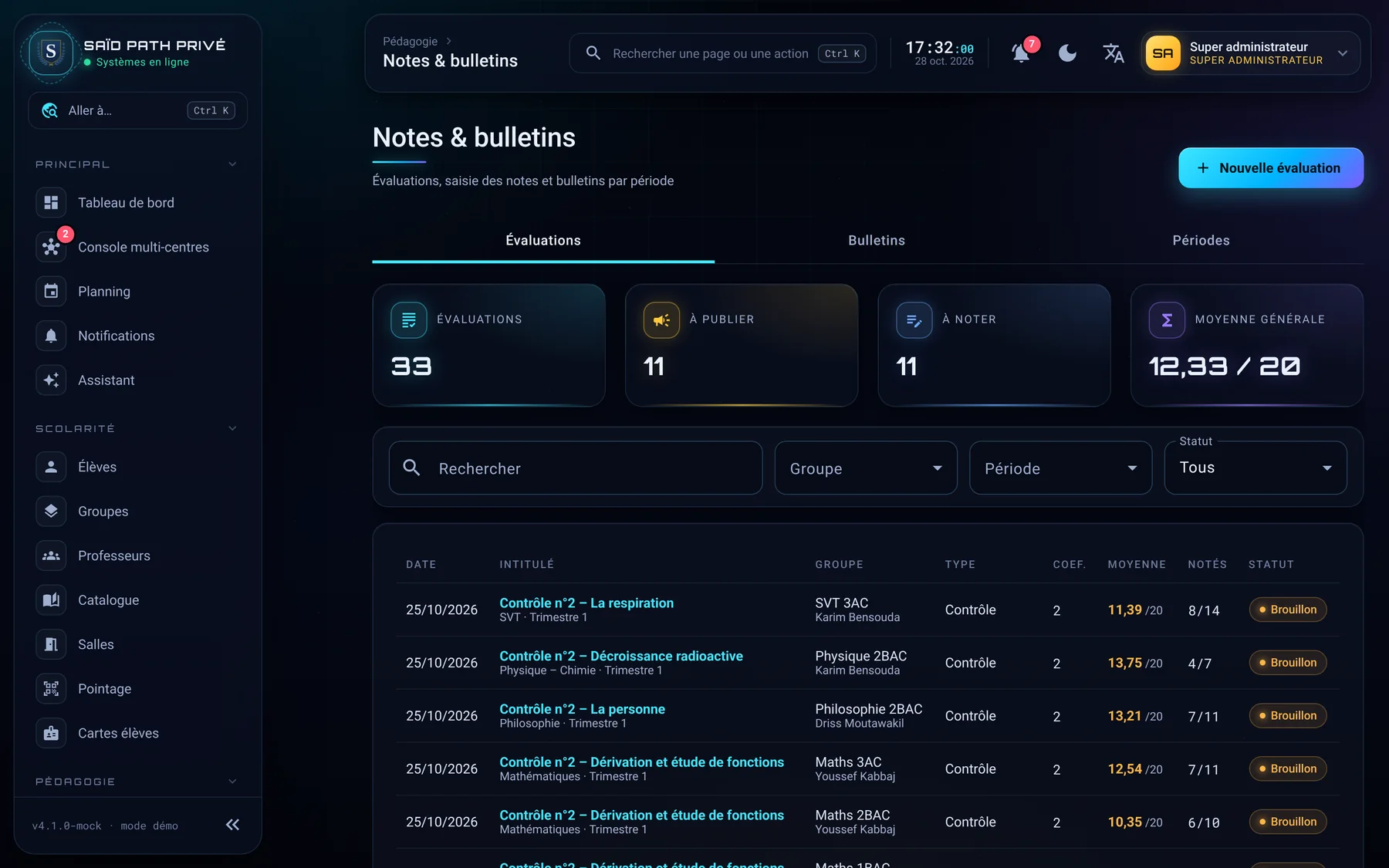
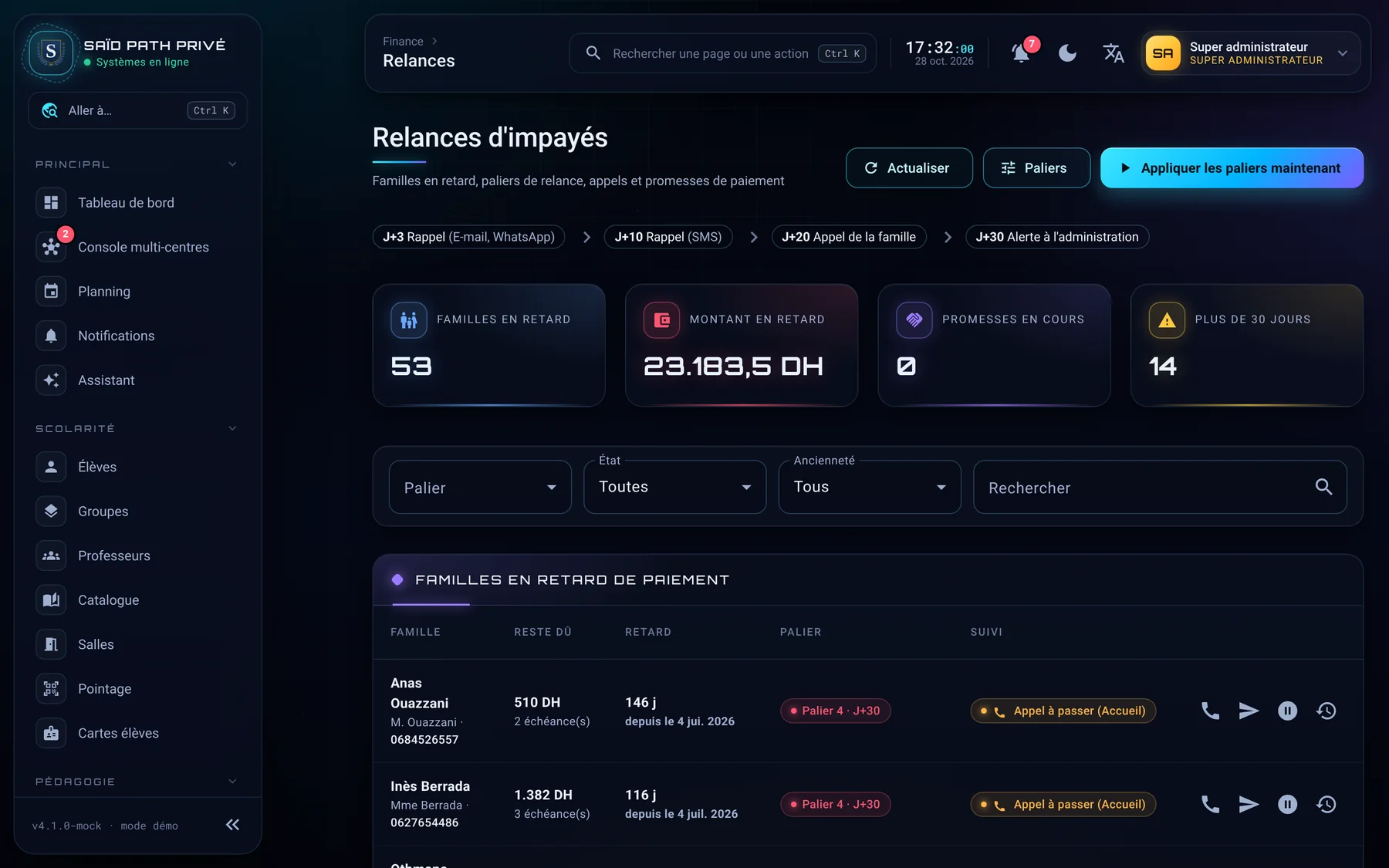
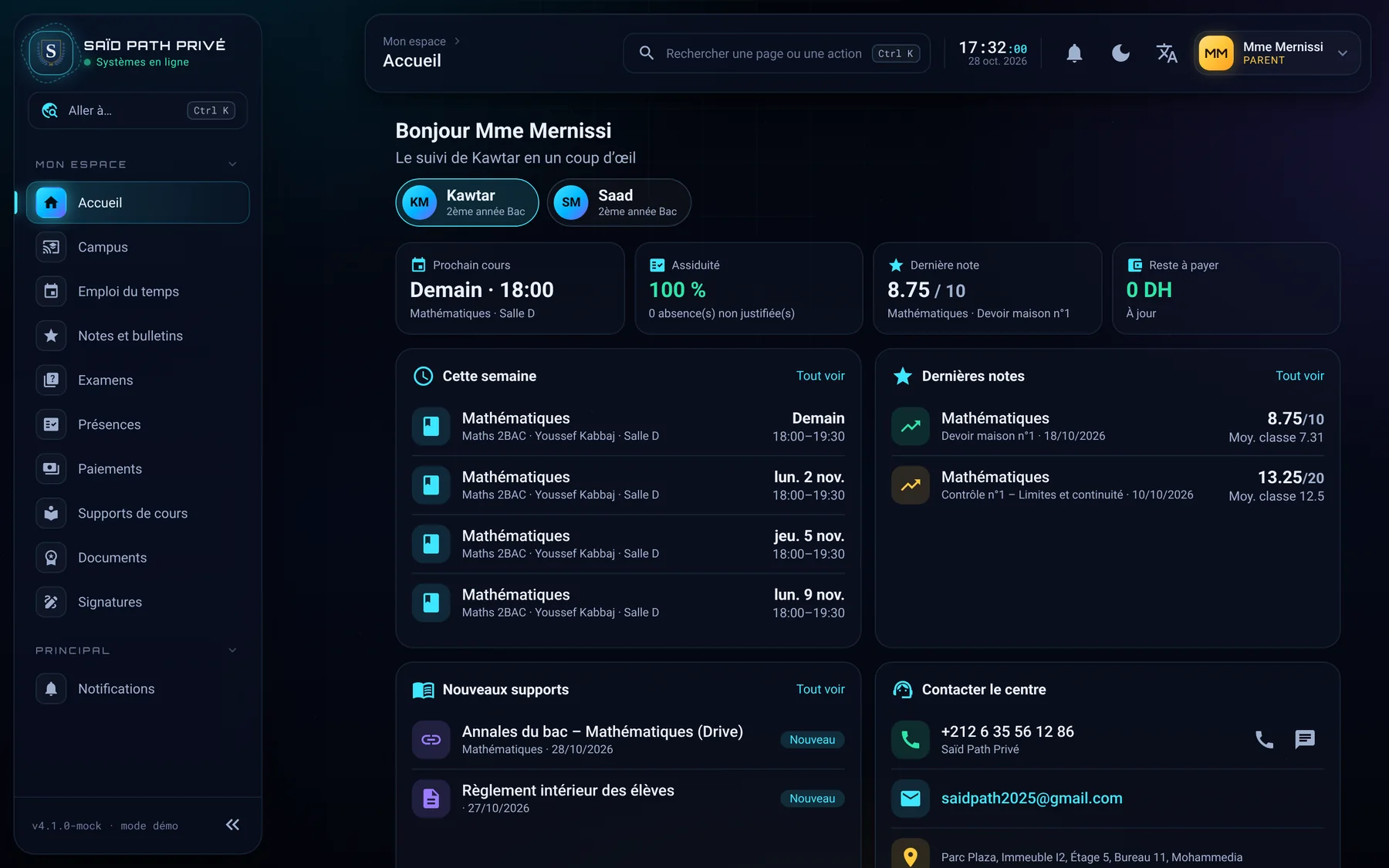
Real screenshots of the app, with demo data.
A student’s whole record on one page: groups, grades, attendance, payments, documents.
Arrival scanned, parent notified.
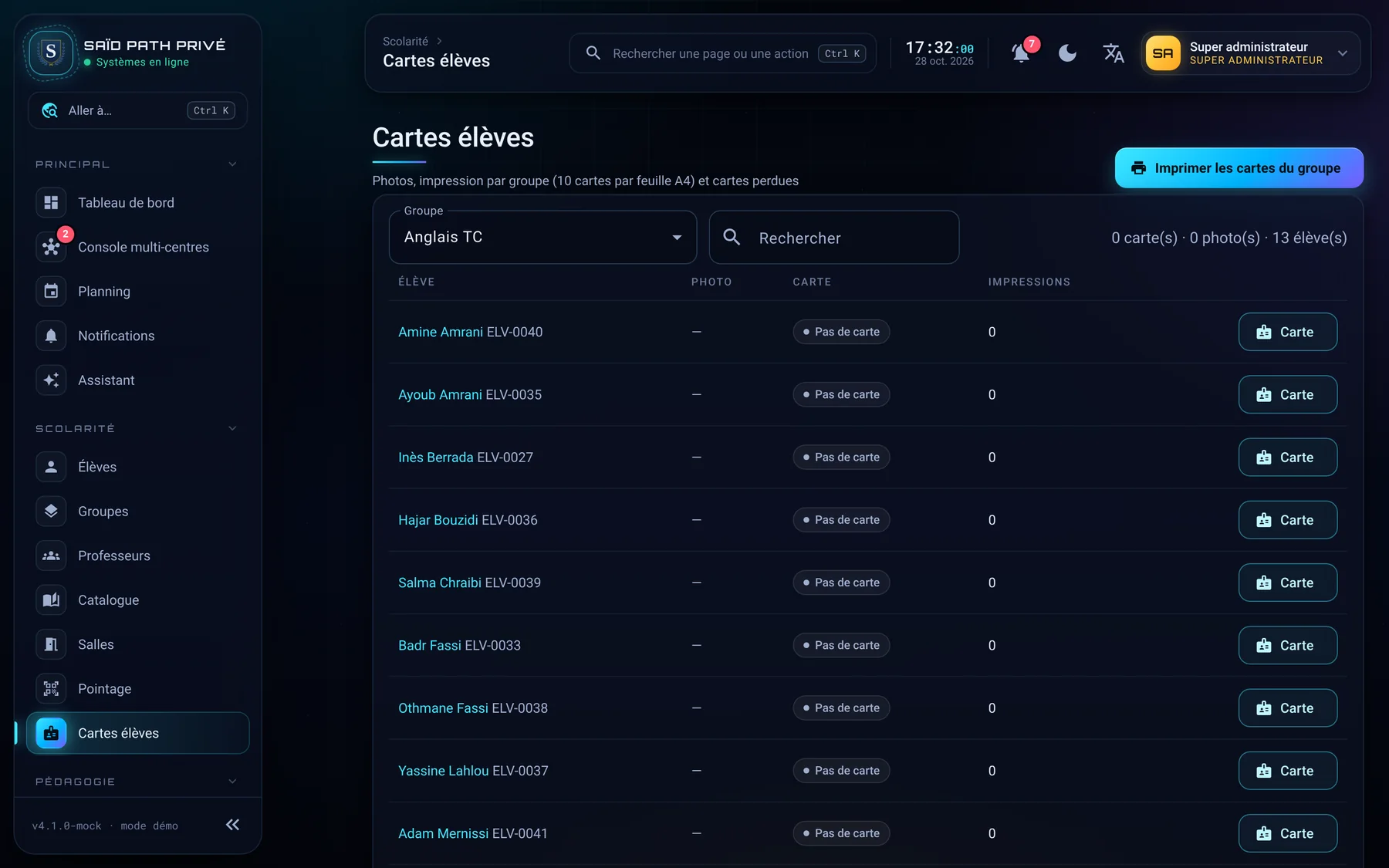
By teacher, room and group, with clash detection.
Payments, numbered PDF receipts, evening close.
Gradual reminders, from gentle to firm.
Entered by the teacher, PDF report cards, online exams.
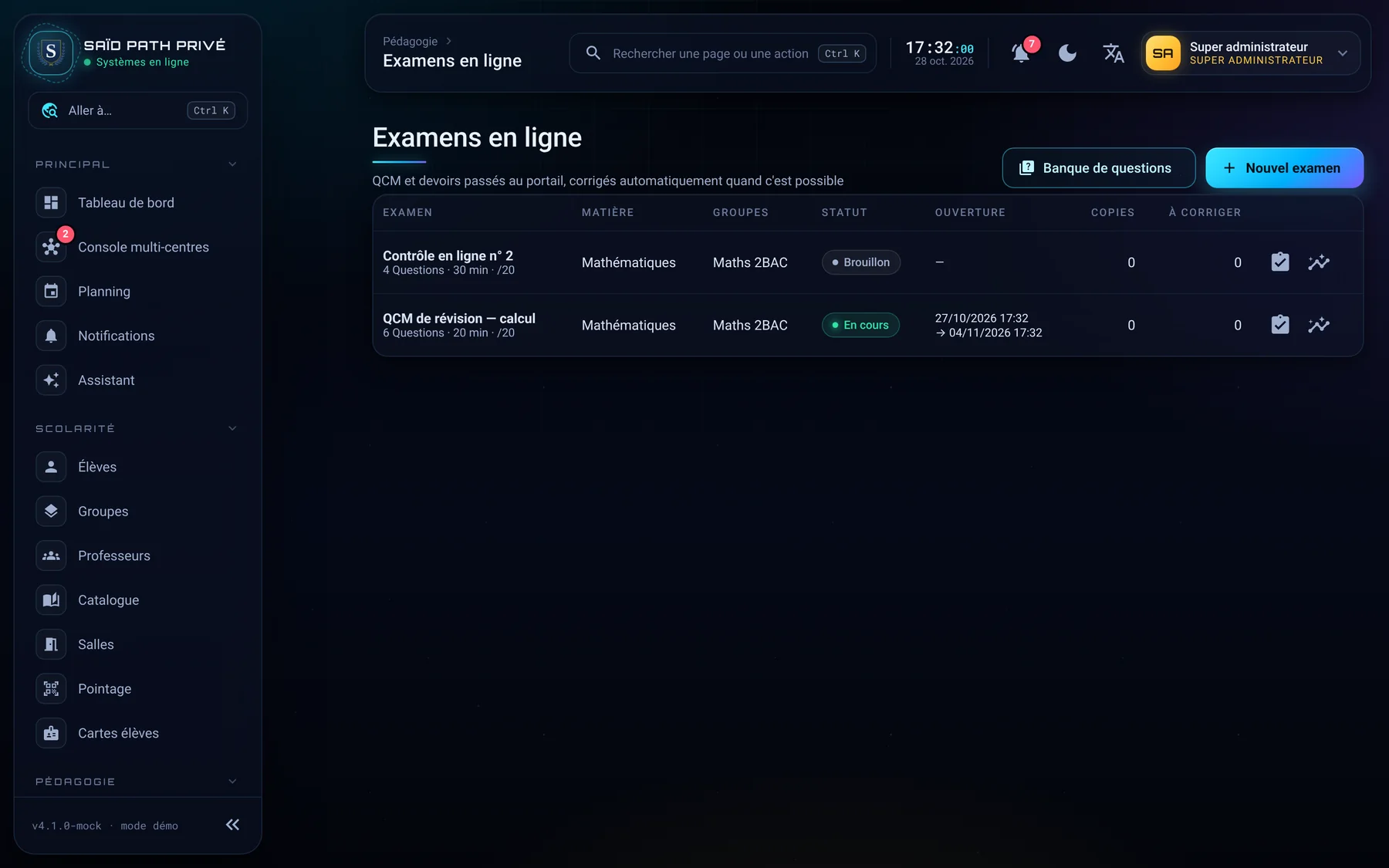
Every pre-registration request is followed up until enrolment.
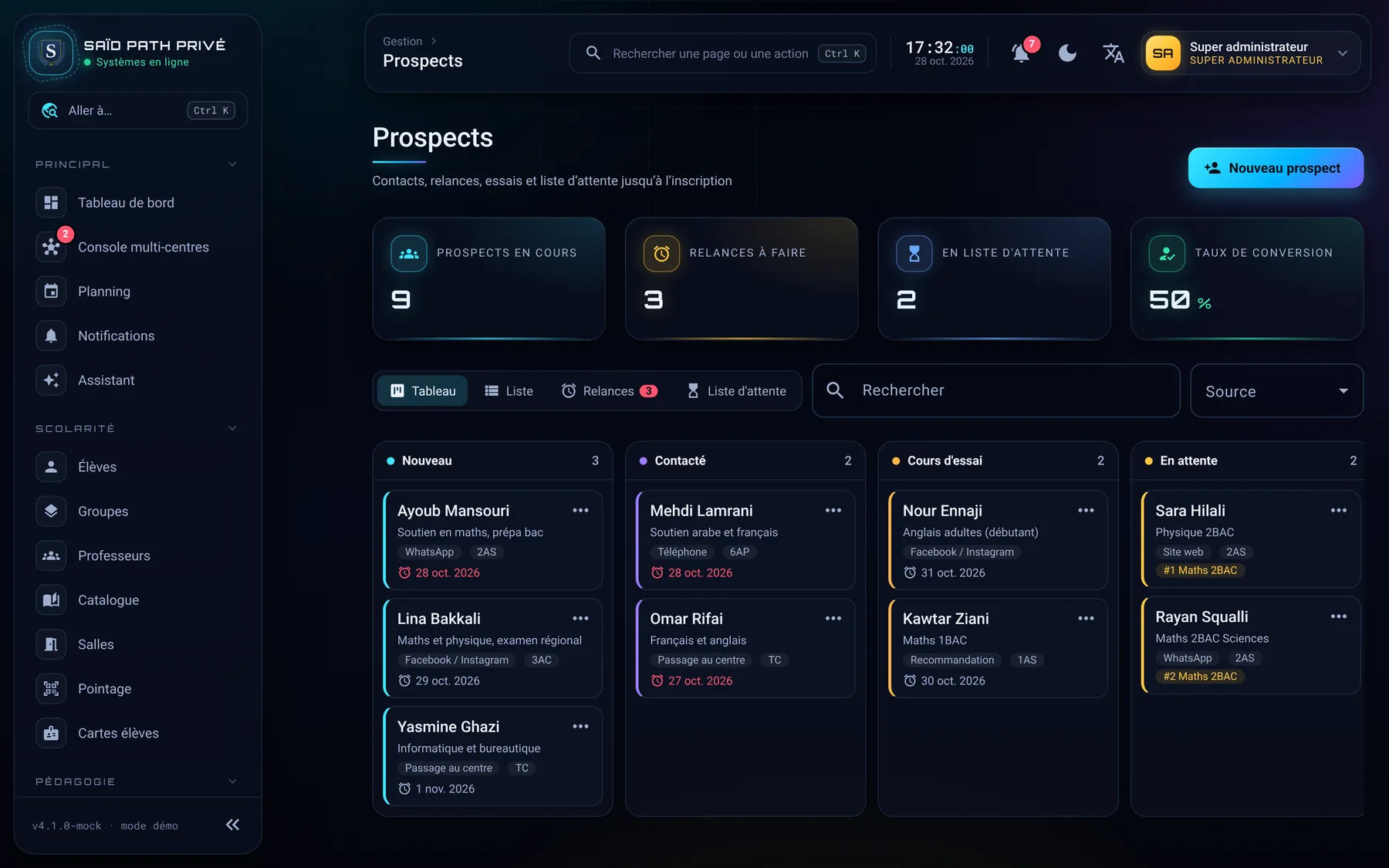
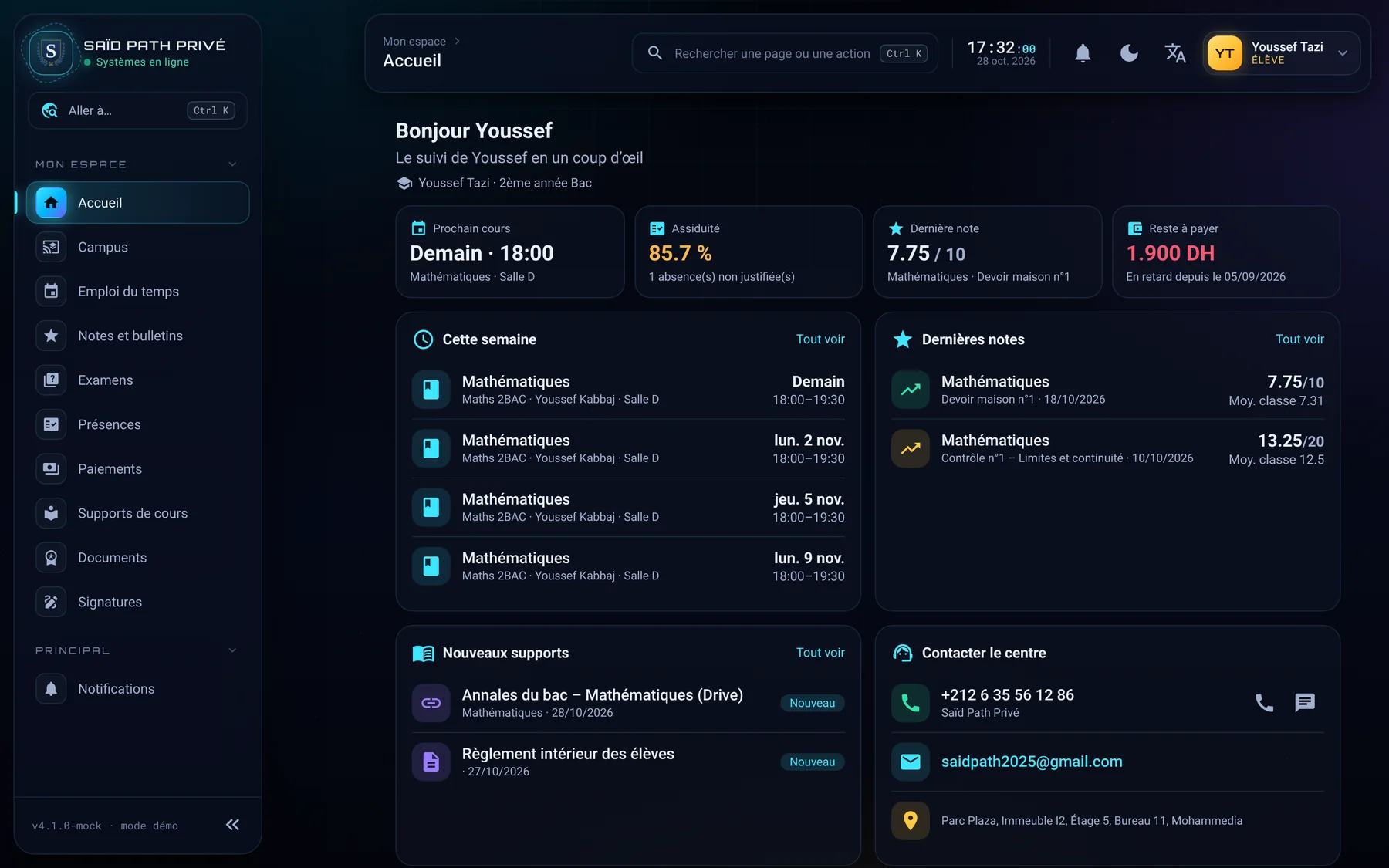
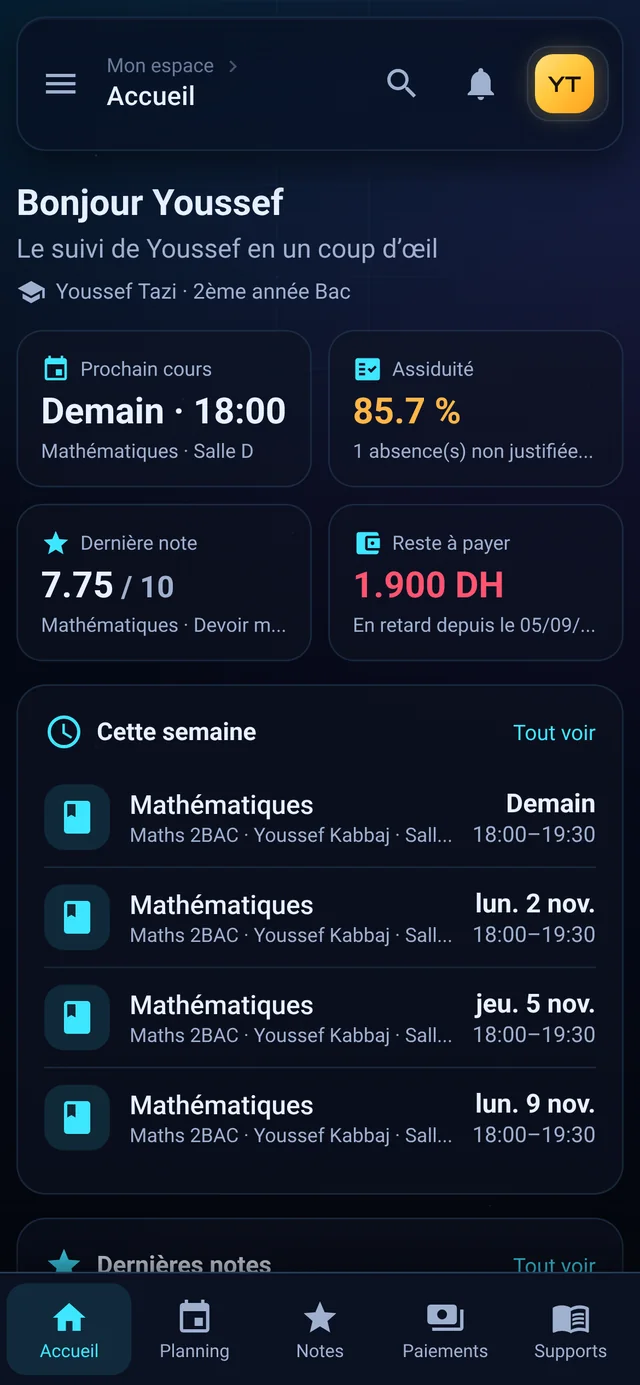
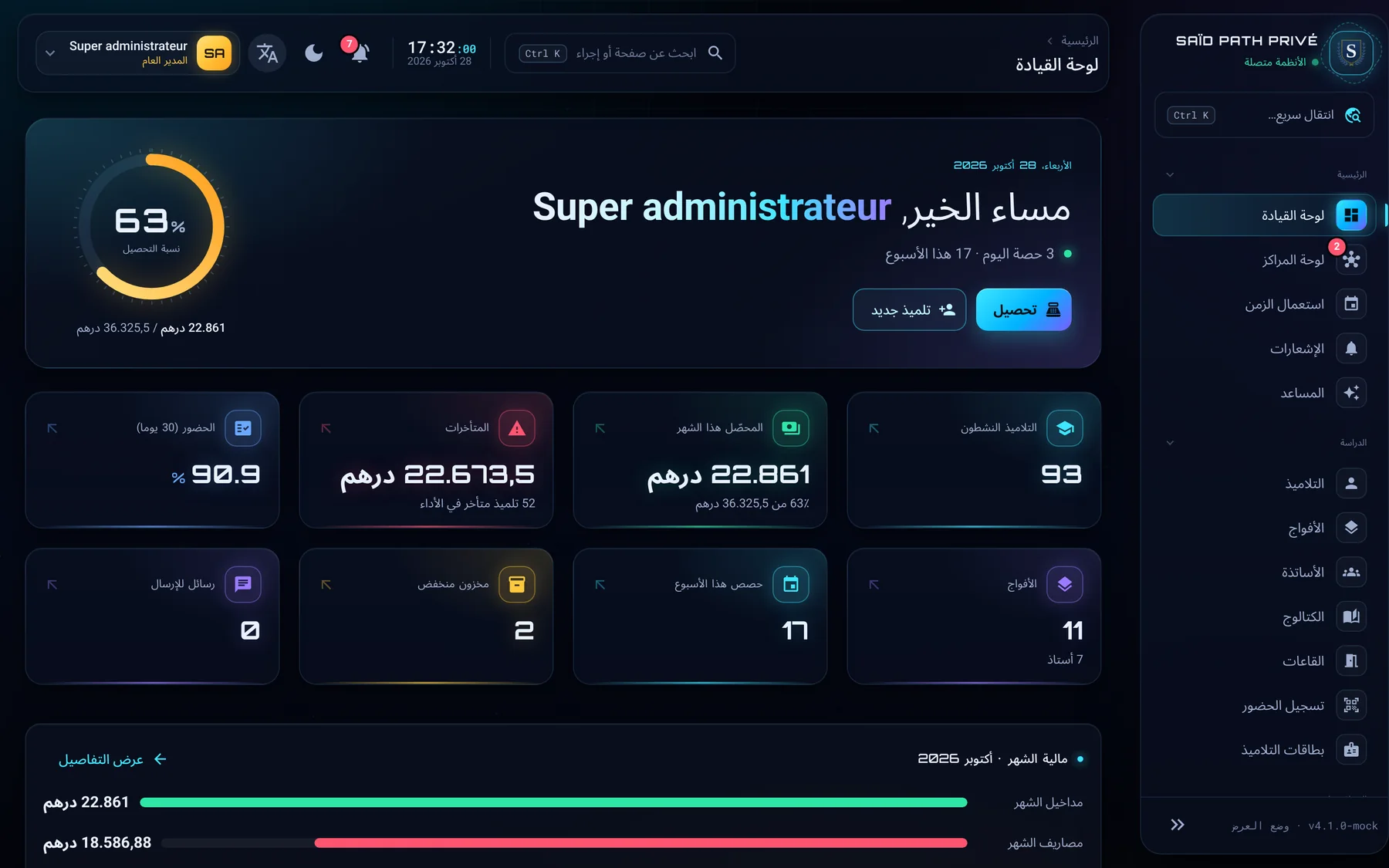
SPP runs in the browser and installs like an app on Windows, Android and iPhone. Each user picks their language, French, Arabic (right to left) or English, and a light or dark theme.
A 6-digit code in addition to the password for staff.
Management, office staff, teachers, parents and students: each sees only what concerns them.
An automatic copy every day, kept in several places.
Sensitive actions are logged: who, what, when.
Used only for schooling, in line with Moroccan law 09-08.
Each parent account is limited to their own children.
It is created by the centre at enrolment. You receive your login details, then sign in from your phone or computer.
Yes. Each user chooses French, Arabic or English.
You, your child, their teachers and the centre’s staff, each according to their role. Other parents see nothing.
Your parent portal access is given at enrolment.