
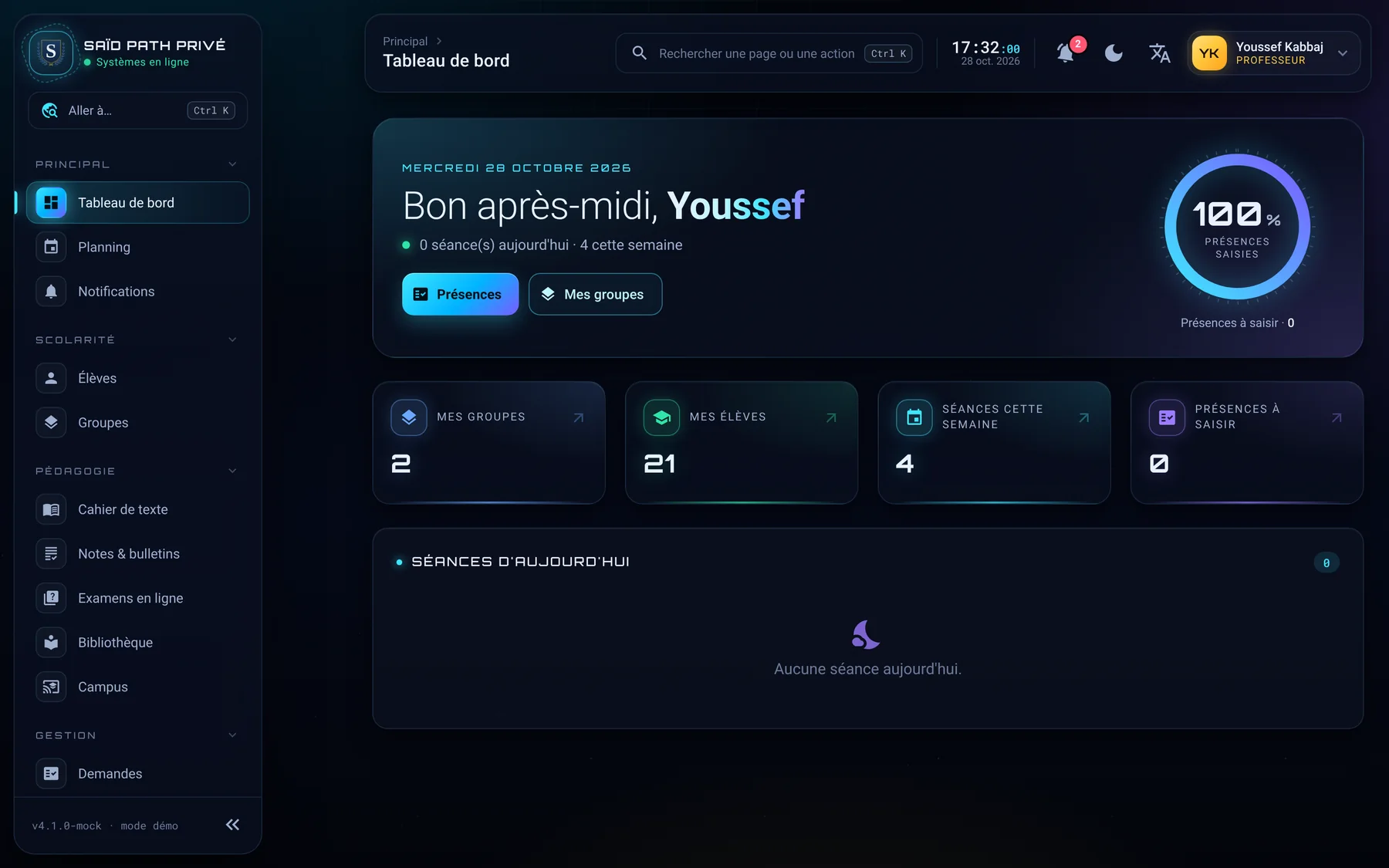
Teacher dashboard
Their groups, students, this week’s sessions and attendance to record.
A centre is only as good as its teachers. Ours are chosen for their teaching skills, supported by the head of teaching and equipped with tools that leave them time to teach.
Teachers who know the curriculum, the exams and the usual difficulties students face.
Diagrams and simple steps to fix each idea, followed by step-by-step exercises.
A motivating atmosphere where students dare to ask questions and are expected to do their best.
Each teacher follows their students’ monthly plan and adapts the sessions.
Grades, comments and regular reviews, shared with management and parents.
Teachers of the same student coordinate with each other and with the head of teaching.
A scientist by training and a PhD student. She leads the centre’s teaching vision, with a demanding and caring approach adapted to each student, from primary school to university.
An IT engineer. He designed SPP and Campus for modern organisation and stronger teaching follow-up.
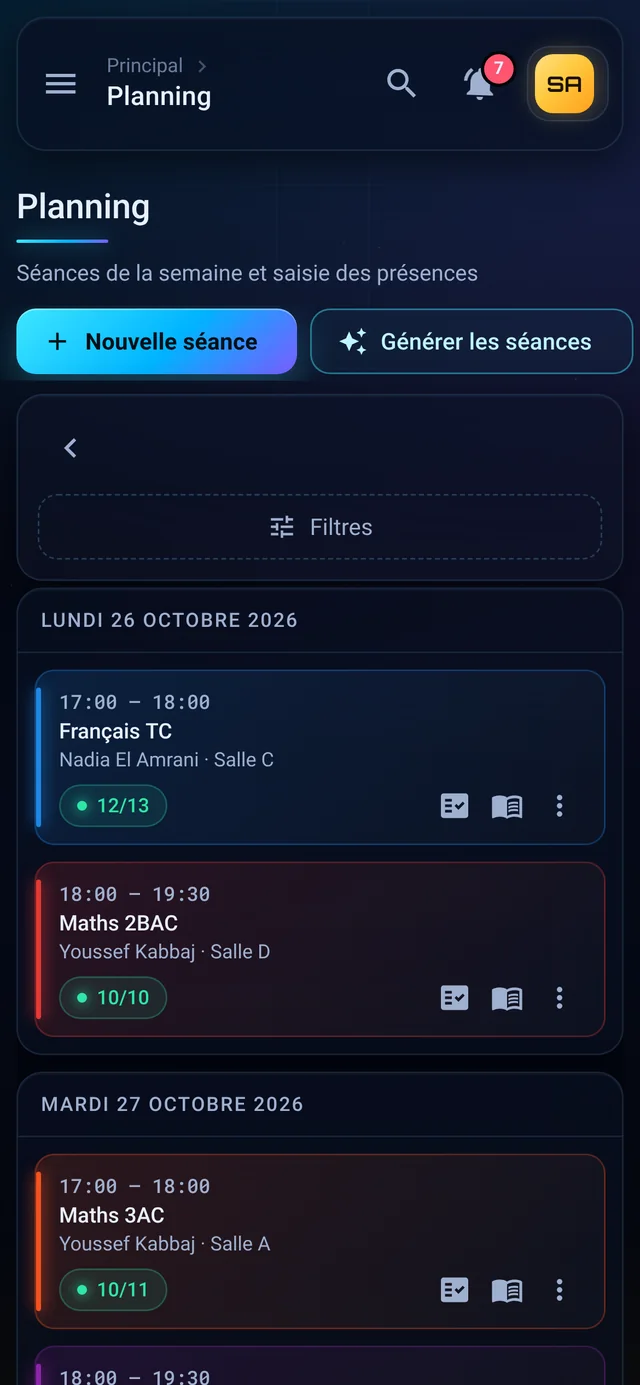
Attendance, the lesson log and grades take a few minutes. The rest of the session is for the students.
The teacher checks the lesson log and the group’s results, and prepares materials in the course library.
In a few seconds on a phone. Parents of an absent student are notified.
Explanation, examples, step-by-step exercises and correction on the spot, in a group of 6 to 10.
The lesson log is filled in: what was covered and the homework, visible to the student and parents.
Grades and report cards in SPP, marking and answers to students’ questions on Campus.
Their groups, students, this week’s sessions and attendance to record.
What each session covered and the homework, shared with families.
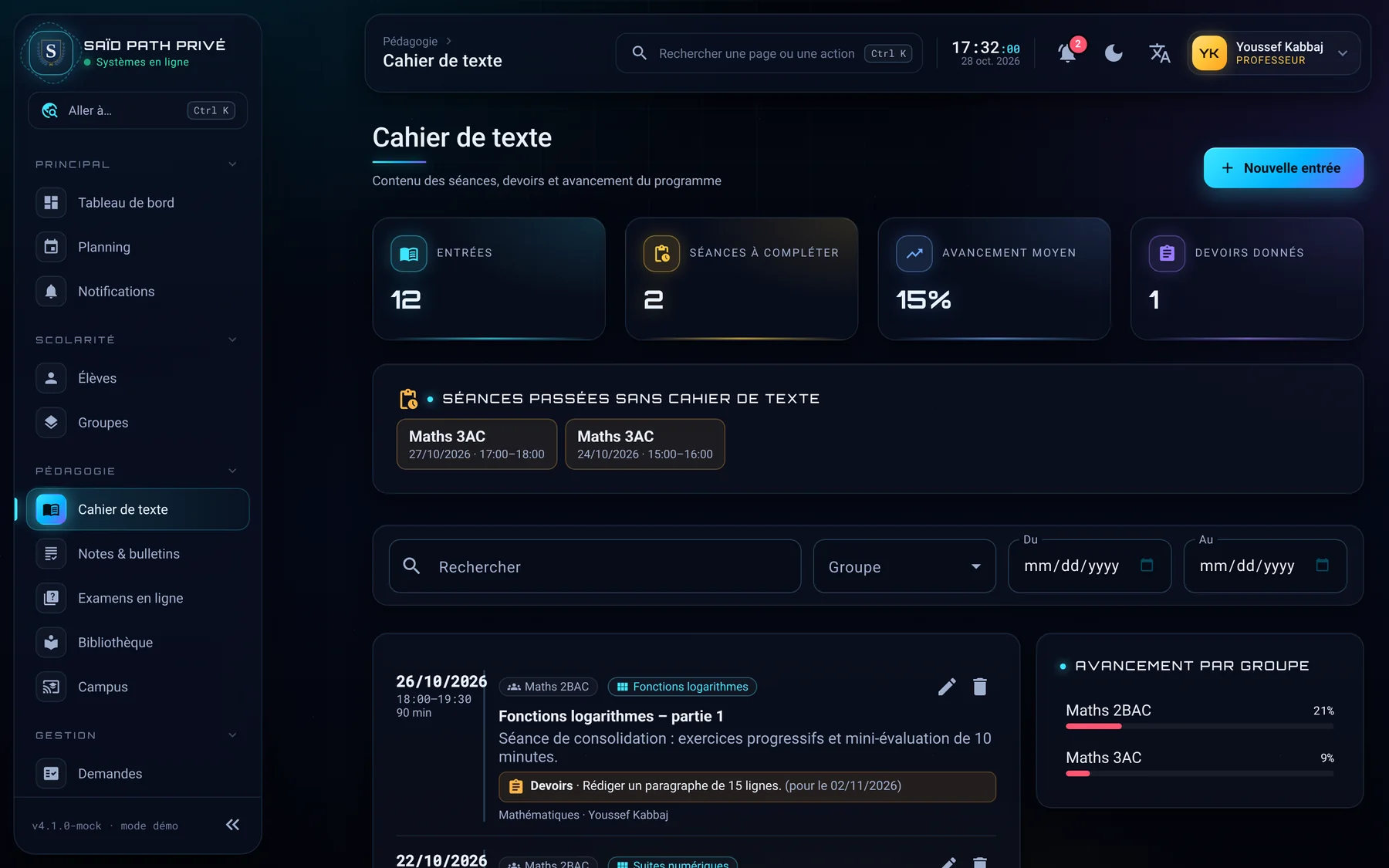
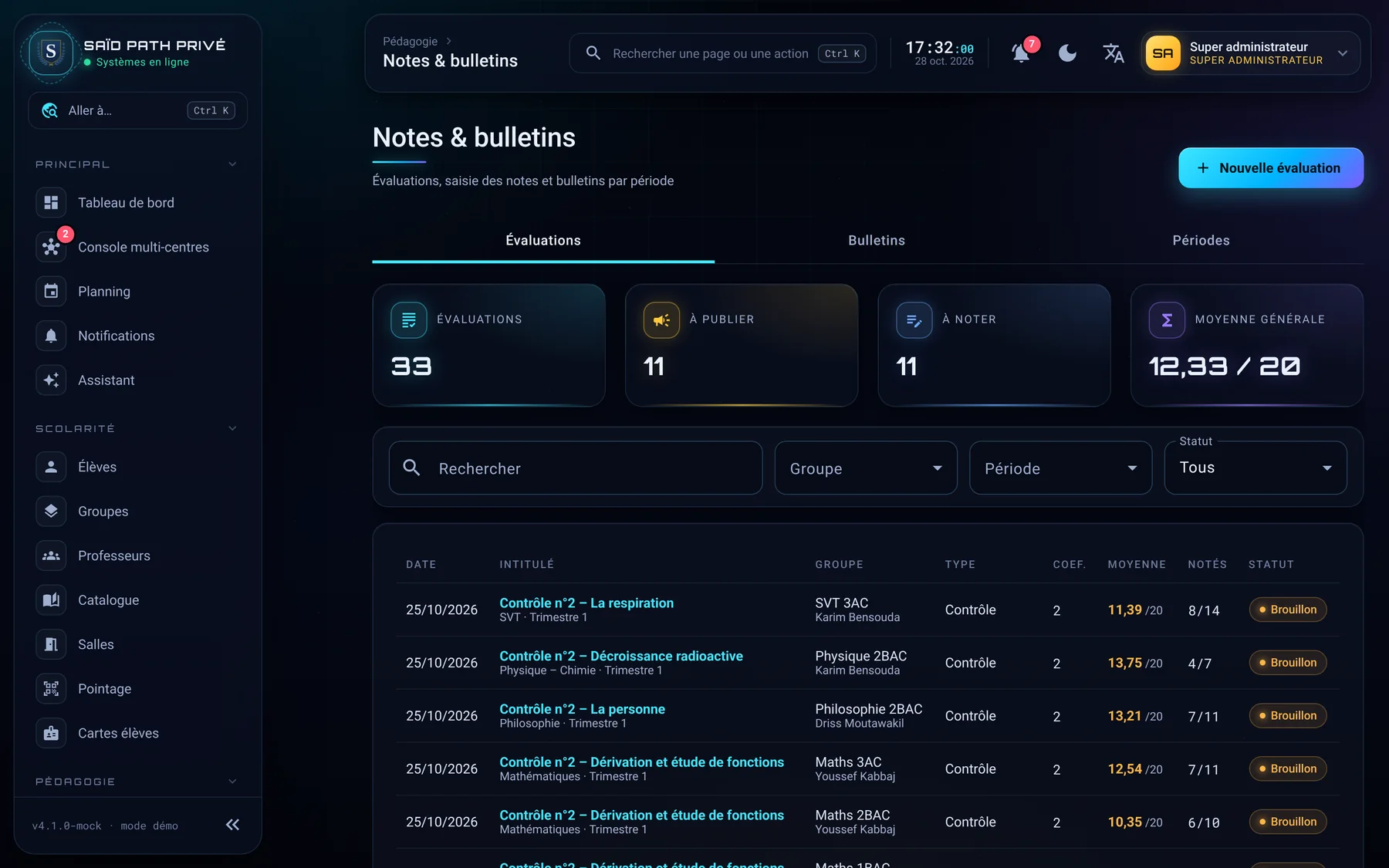
Quick entry, averages calculated, PDF report cards.
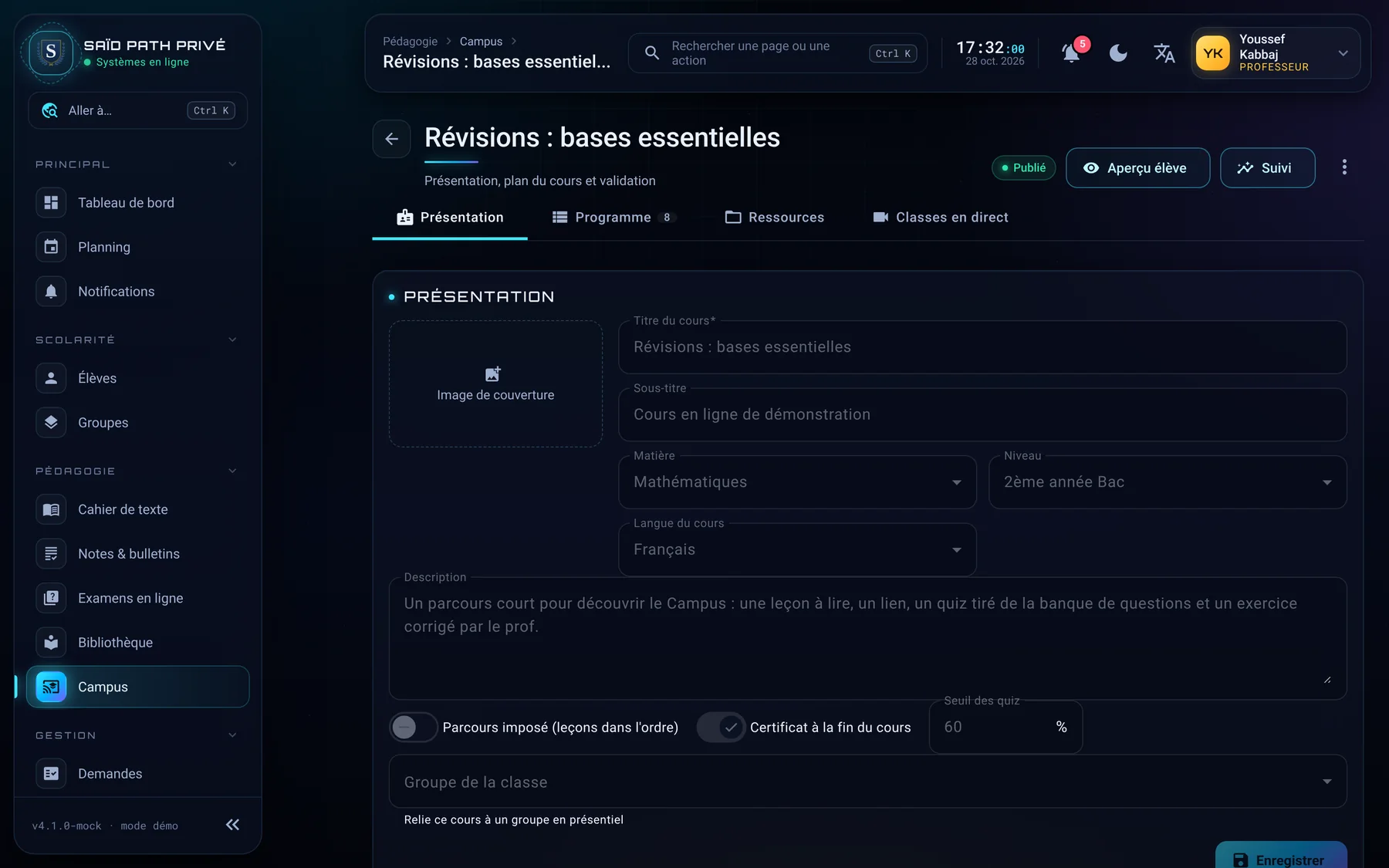
Videos, lessons, PDFs, quizzes and assignments in a simple editor.
Clear criteria, a fair mark and a comment for the student.
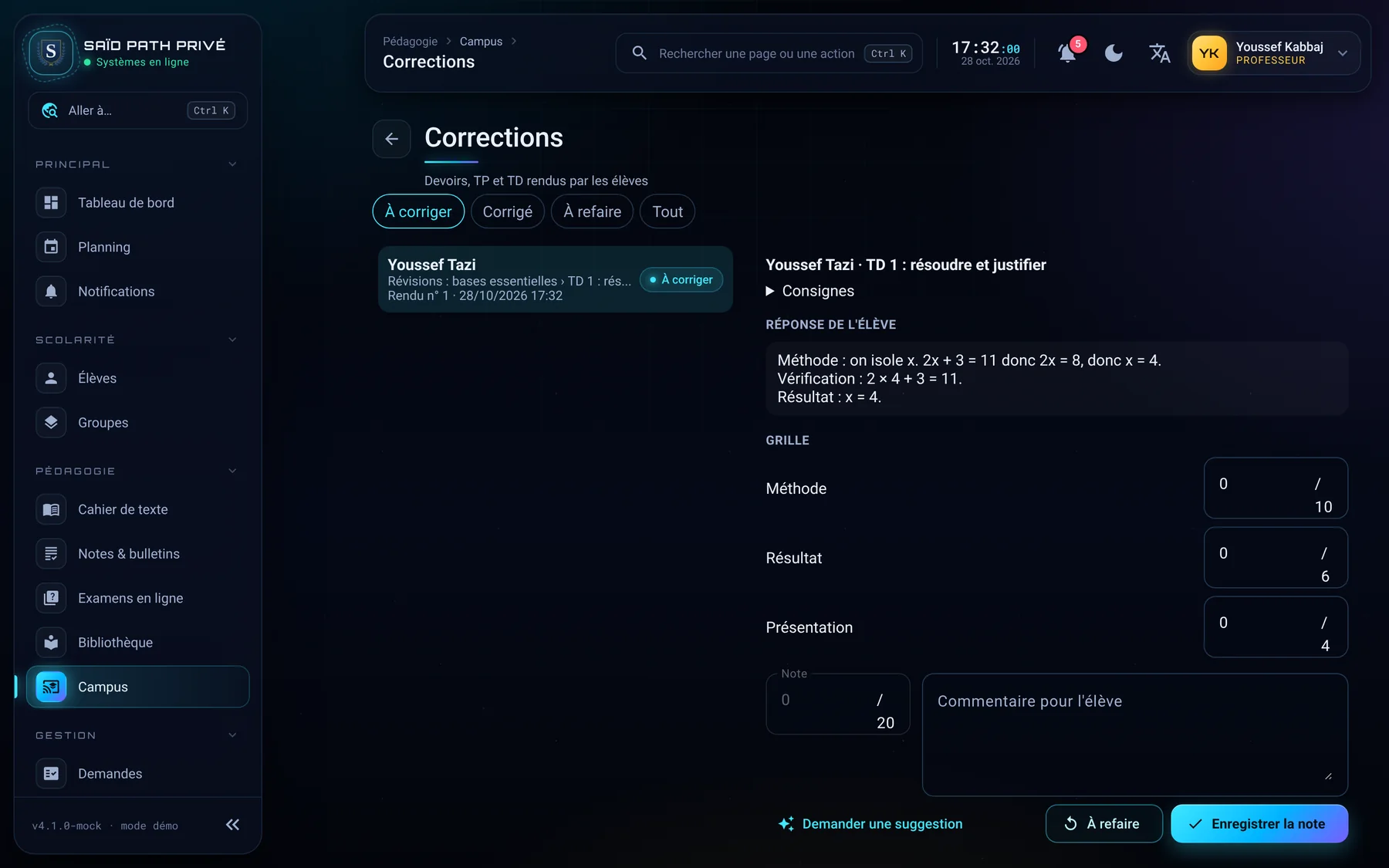
Real screenshots of the app, with demo data.
On their subject knowledge, experience and the way they explain. The head of teaching then supports them day to day.
Yes. Book a time at the front desk or on WhatsApp. The monthly reviews are also a good moment to talk.
Attendance, the lesson log with homework, grades and report cards, in the SPP parent portal.
Leave your details: we will call you back to set up the meeting and the entry test.