
SPP and Campus on all your devices.
Parents, students, teachers and staff: one account, on phone, computer or browser. The apps are free; access is given by the centre at enrolment.
Or without installing anything: app.saidpathhq.com
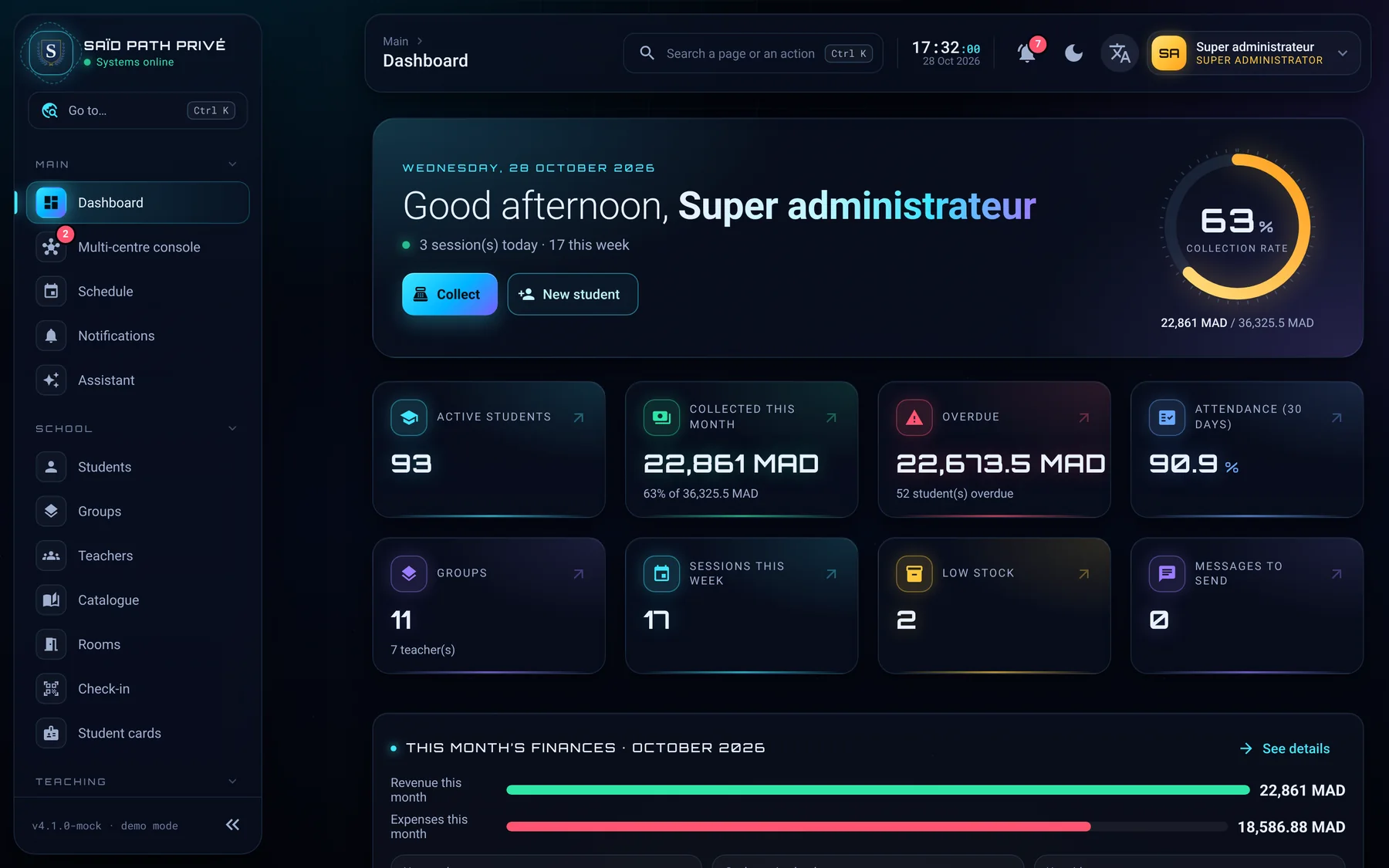
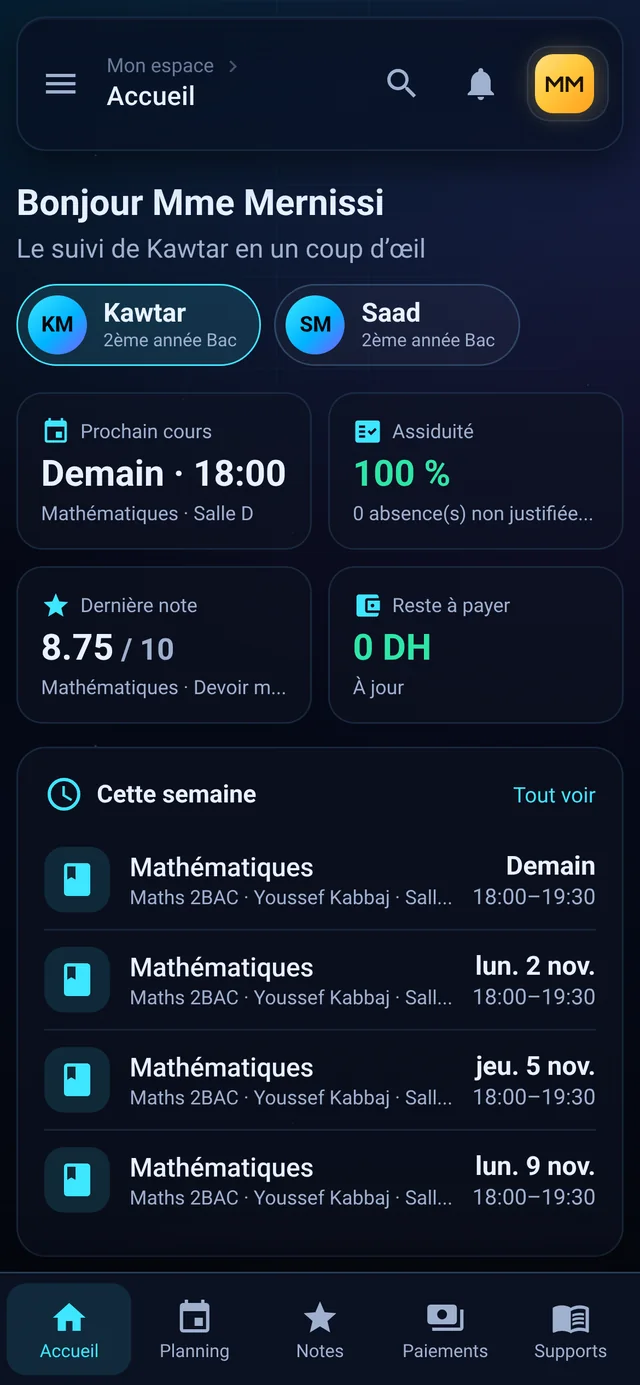
The Saïd Path Privée app.
- Your children’s attendance, grades, report cards and payments
- Notifications: arrival, absence, receipt, teacher message
- Campus and SPP Labs for students
- French, Arabic and English, light or dark theme
Android 6 or later · iOS 14 or later · iPad · Apple silicon Mac
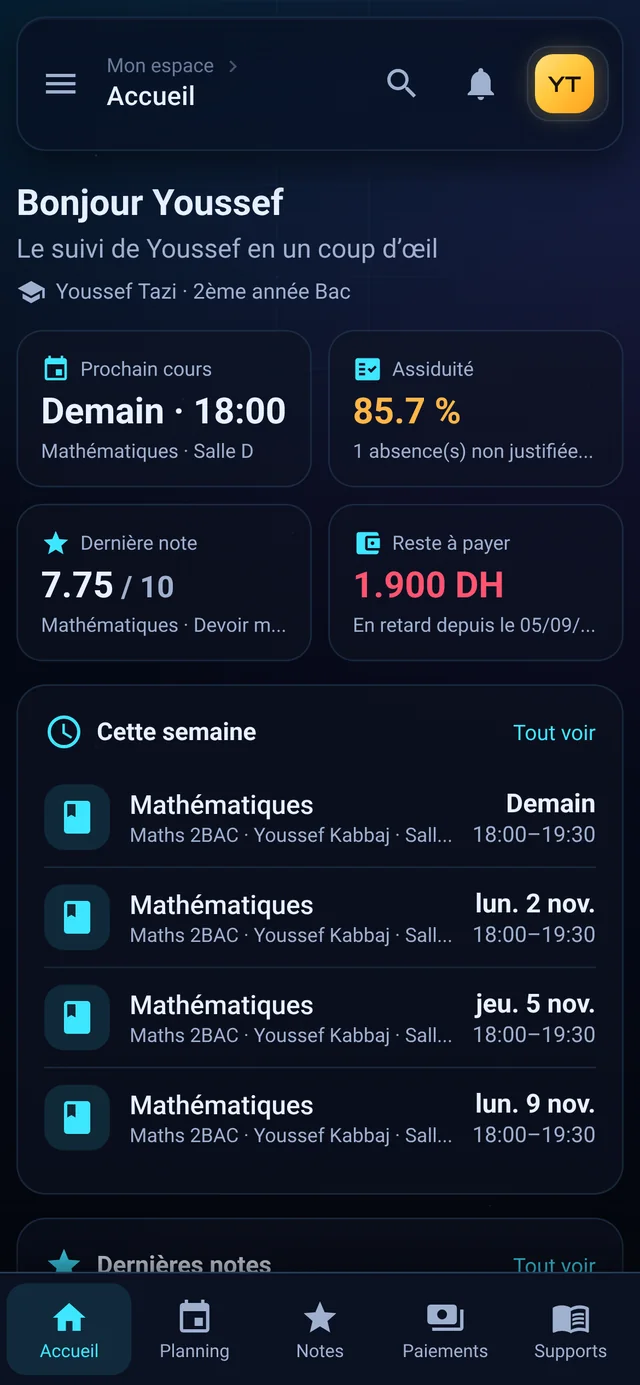
Windows and Mac, in one click.
For a centre workstation or for studying at home.
SPP for Windows
For a centre’s staff: the server on a centre PC, or a workstation that connects to the server.
Download for WindowsCampus for students (Windows)
Video lessons, quizzes, exercises and SPP Labs. Installs without admin rights.
Download CampusQuestions about the apps
Is the app paid?
No. The apps are free for the centre’s families and students.
How do I sign in?
With the username and password given by the centre at enrolment. The same account works on phone, computer and browser.
Windows shows “Windows protected your PC”.
Click More info, then Run anyway. The file does come from saidpathhq.com.
My Mac won’t open the app.
On first launch: right-click the app › Open › Open. After that it opens normally.
Which version should I choose?
Parents and students: the phone app or the browser. Centre staff: the browser, or SPP for Windows on centre workstations.
No access yet?
Parent and student accounts are created by the centre at enrolment.